 EN
EN  PT-BR
PT-BR FR
FR ES
ES DE
DE

Documentation that
ships with each
product release
Versioned workspaces, real review workflows, and a REST API into your release pipeline, so product docs stop trailing the product and start arriving with it.

Trusted by thousands of businesses across 150+ countries









Why documentation debt compounds quietly?
01
Docs sit outside the release process, so writers learn about a change when a customer complains.
02
Several product versions are live at once, so customers read instructions for a release they are not on.
03
Review happens in comments or chat. Nobody owns sign-off, so drafts either stall for weeks or publish unchecked.
The product ships.
The docs ship with it.
Documentation becomes part of shipping, not a follow-up
The challenge
There is no trigger connecting a shipped feature to the article that describes it, so every release quietly invalidates part of the docs.
How Document360 helps
A documentation board per release with assignees and due dates, plus a REST API that moves articles forward from your pipeline.

Several supported versions, zero copy-paste
The challenge
Forking a version means duplicating whole sections, and the copies drift apart until one fix has to be made in four places.
How Document360 helps
Each version gets its own workspace, switchable by readers, with duplicate detection flagging passages that drift out of sync.
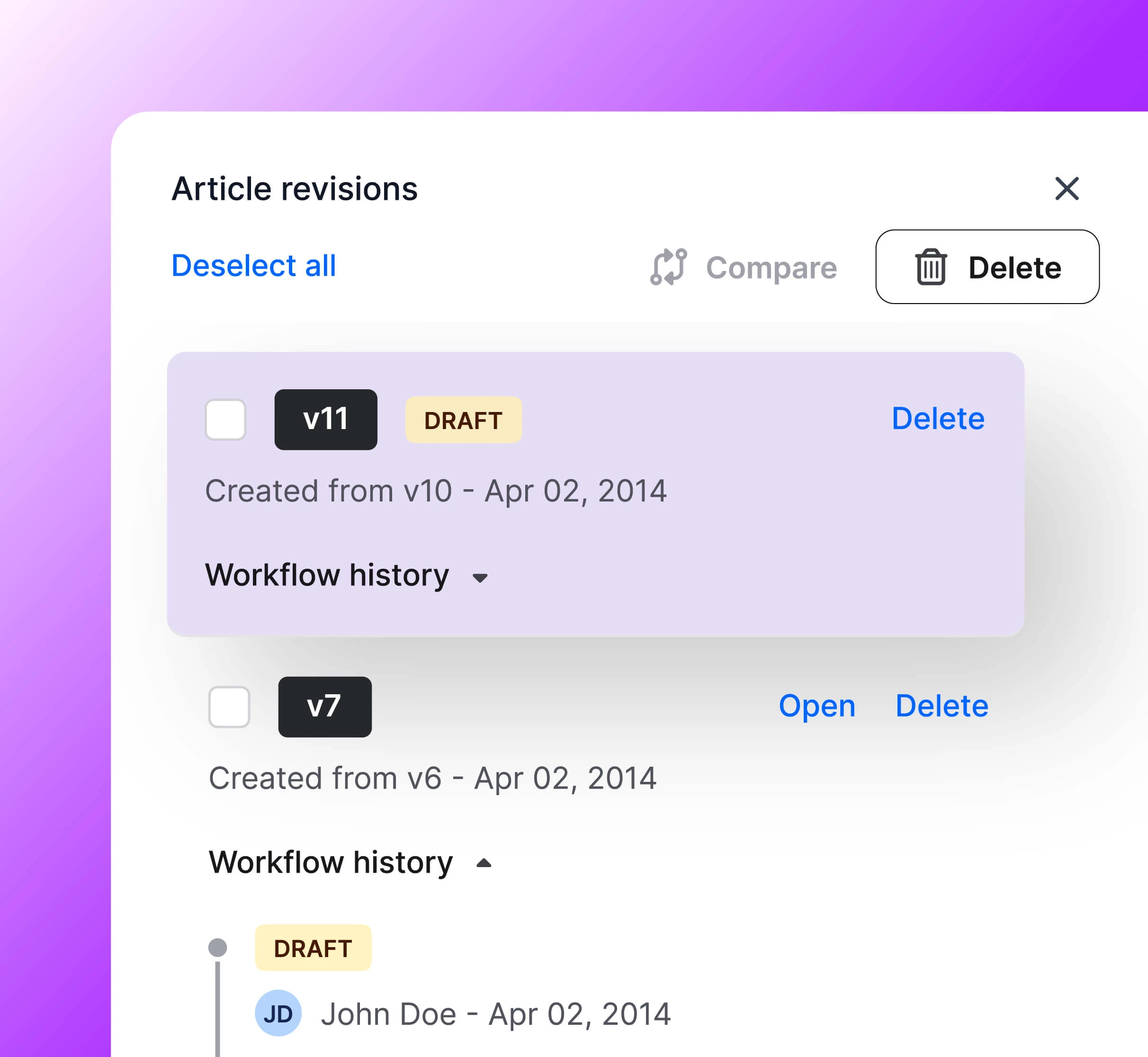
Review that has an owner, a date and a record
The challenge
“Can someone review this?” in a channel is not a process, and it is why accuracy is unaccountable.
How Document360 helps
Define your real stages with named reviewers and due dates, lock articles under review, and keep a full history of who approved what.

Skip the first draft, keep the judgement
The challenge
The backlog grows faster than the writing team, and most of it is structure and boilerplate rather than judgement.
The Document360 advantage
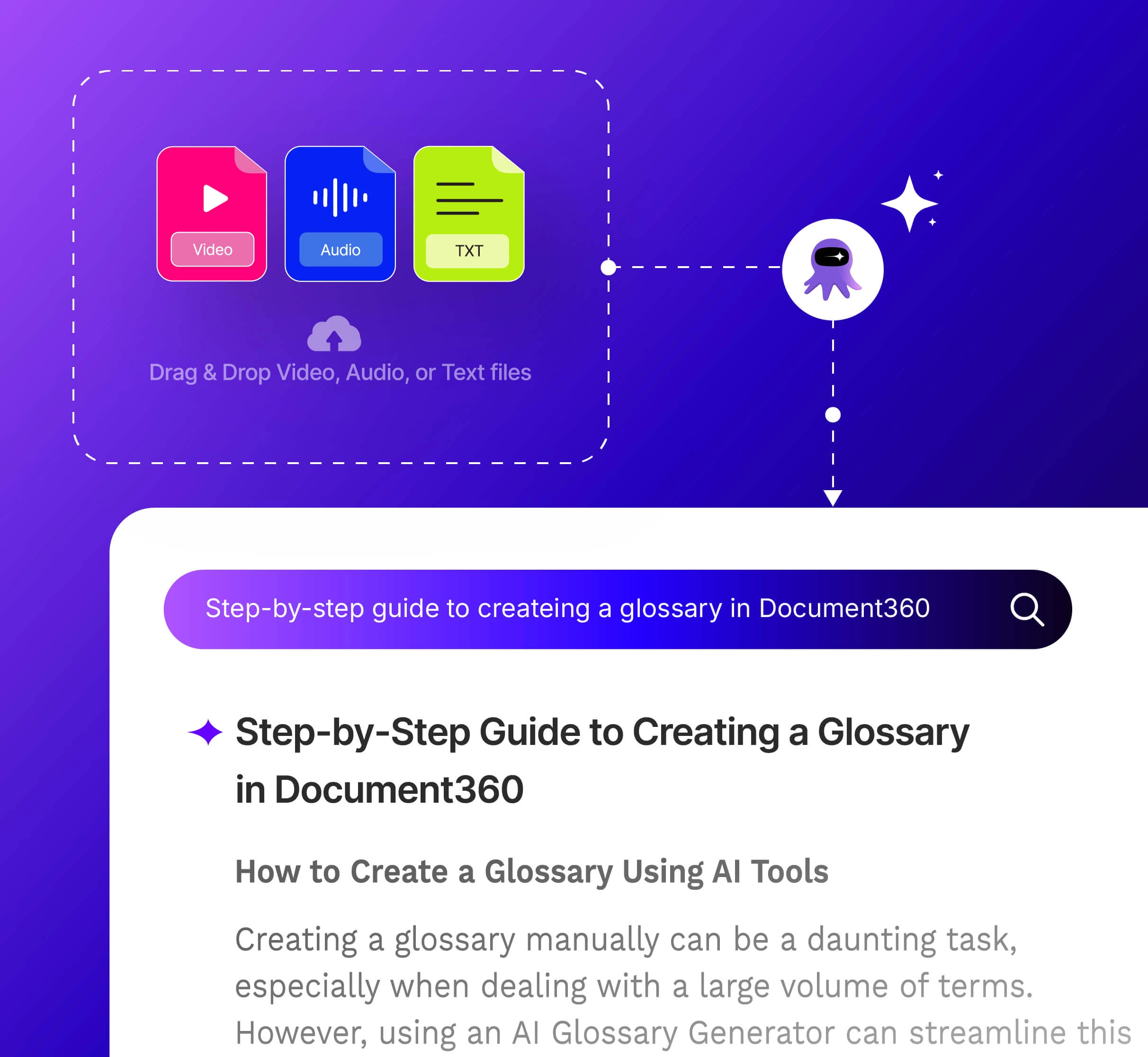
The AI writing agent drafts from prompts, videos and existing material, so writers spend their time on accuracy and structure.
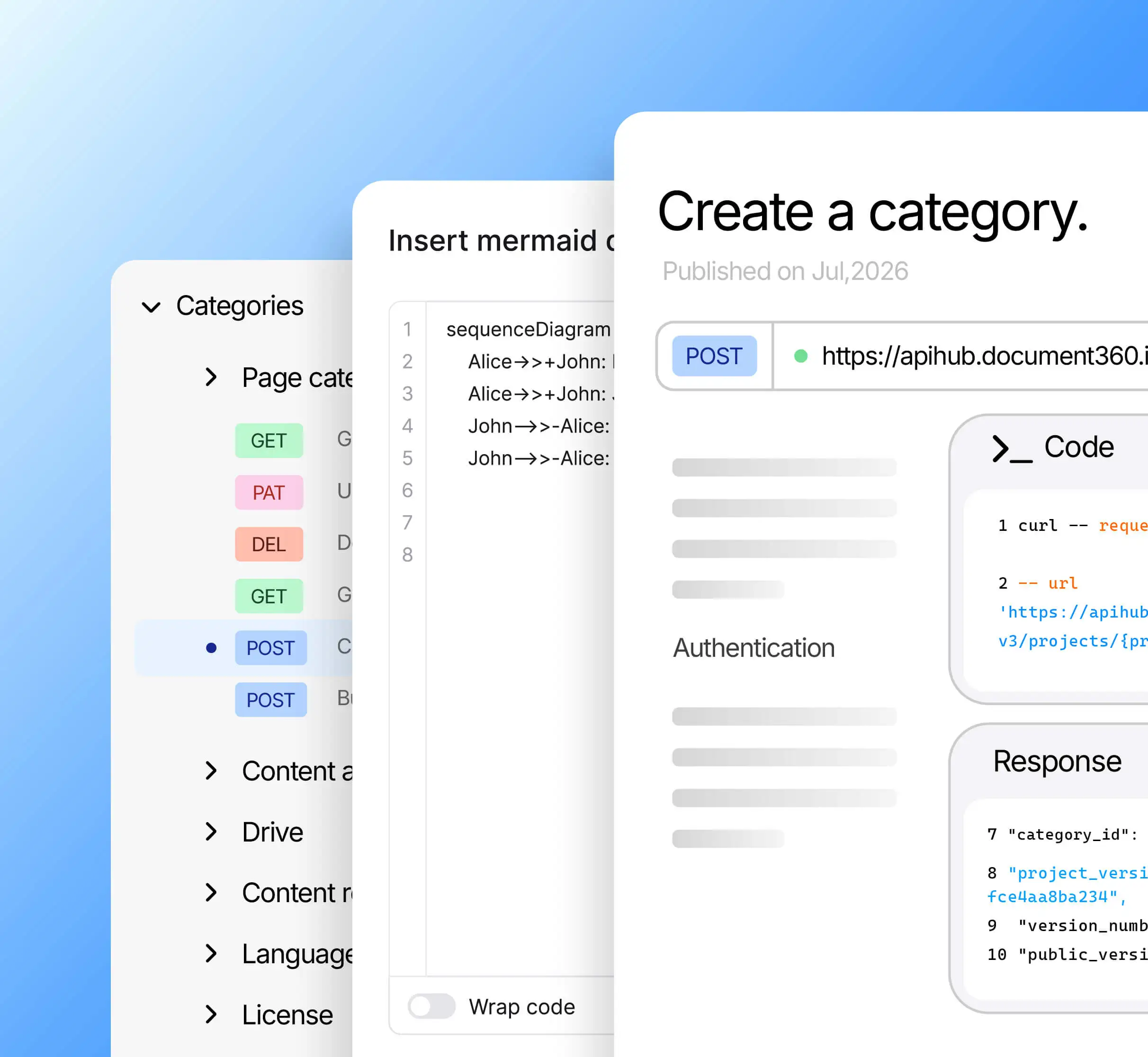
Code, diagrams and API references in one site
The challenge
Generic editors force screenshots of code and hand-drawn diagrams, and push the API reference into a second tool with its own look.
How Document360 helps
Markdown and WYSIWYG editors, highlighted code blocks, text-rendered Mermaid diagrams, and API references beside their guides.
Every capability, tied to a
business result
Documentation wired into the way you already build
Docs should not be a separate ritual. Document360 plugs into the pipeline, the helpdesk and the AI assistants your teams already use, and reports back on what readers actually needed.

In the pipeline
The REST API moves articles through workflow as part of a release.
In the ticket
Support sees the current article for the version the customer is on.
In the product
Contextual in-app help so users never leave the screen they are stuck on.
Ready for LLMs
The MCP server serves your docs to Claude, ChatGPT and MCP-aware agents.
What our customers achieved
with Document360


We are extremely happy with the solution. We have been getting feedback from both customers and employees on how much easier it is to use, how the search function works effectively, which makes finding information simple.
Yoni Hubermann
Director of Customer Education, Panaya


The ease and speed at which we were able to build a successful documentation site can be directly attributed to Document360. It allows users to find the information they’re looking for effortlessly.
Greg
Senior Software Engineer, Cosmos


Document360 provides us a way to create modern documentation, that’s appealing and easy to manage. More people have begun using our documentation than ever before.
Julian Weiss
Director of Product Documentation, CTERA


Document360 enables us to author and deliver high quality support articles with ease to the desired targeted roles in our system through the use of SSO, roles, and reader groups. Document360 not only delivers on the feature set, but provides a cost effective solution for us.
Todd Reisel
Founder & President, Coastal Business Technologies
Let the docs ship
with the release
Bring your current version matrix and review process, and we will map it live in the demo.
Questions, answered
❓Frequently Asked Questions
What editor features does Document360 offer for software documentation?
Document360 provides an advanced WYSIWYG editor and a Markdown editor, both supporting code blocks with syntax highlighting for technical documentation that includes code samples.
How does Document360 handle versioned documentation for software releases?
Document360 supports workspaces for versioning, allowing separate documentation sets for different product versions. Readers can switch between versions on the site, and when switching, they remain on the same article if it exists in the selected workspace.
Does Document360 include a dedicated workspace for API reference documentation?
Yes, Document360 includes a dedicated API documentation workspace for creating and managing API references. When this workspace is selected, the Overview page shows only data relevant to that workspace.
Can developers update documentation programmatically in Document360?
Yes. Document360's REST API supports article creation, updates, and workflow status changes, allowing engineering teams to integrate documentation updates into their development or release pipelines.