 EN


AI Summary
- Document360 Engage centralizes step-by-step guides, interactive videos, and explainer videos, enabling metadata-based reuse, automatic updates across uses, multilingual localization, and translation-credit previews.
- The October 2026 release unifies SAML, OpenID Connect (OIDC), and JWT under Enterprise SSO, with guided configuration and reorderable login methods.
- Eddy AI provides version-change summaries and comparisons, while chatbot responses include numbered citations; public sources can be previewed or opened, private sources remain protected, and administrators can inspect details in Eddy AI Playground.
- Mirror replaces Replicate and supports bulk mirroring across workspaces, languages, and categories while preserving source connections, including during category cloning.
- Teams can customize feedback forms, widget link behavior, and PDF exports, including excluding child content and controlling accessible templates. Additional updates improve interfaces, deprecated-status visibility, security, stability, and performance.
AI-generated content. It may contain errors.
See Document360 in action
As documentation grows, managing interactive guides, videos, and multilingual content across multiple articles can become challenging. Keeping everything organized, consistent, and up to date often requires additional effort.
With the new Document360 Engage dashboard, teams can now manage, reuse, and localize visual documentation from one place, simplifying how they create and maintain content across their knowledge base.
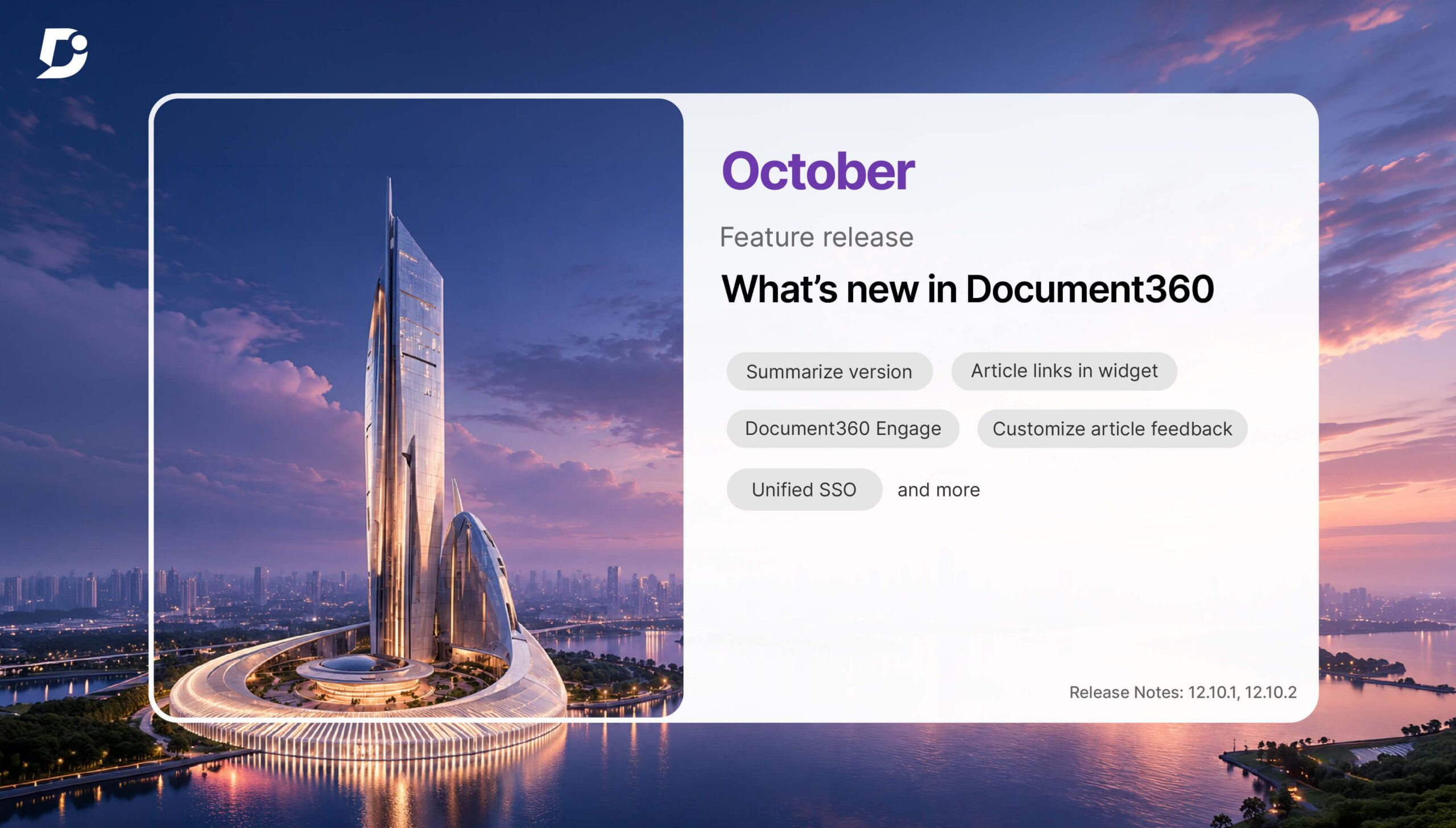
October’s release also brings AI-powered article reviews, unified Enterprise SSO, and greater control over reader feedback and content management.

What is Document360 Engage?
When guides and videos are used across multiple articles and languages, keeping them organized and up to date can take a lot of effort.
The new Document360 Engage dashboard makes this easier by bringing step-by-step guides, interactive videos (formerly interactive demos), and explainer videos (formerly record videos) into one place.
Key features of Document360 Engage
- Manage and reuse: Find guides and videos using metadata filters, track where they’re used, and reuse them across articles.
- Update once: Changes to a reused asset automatically appear everywhere it’s used.
- Localize content: Create multilingual versions of guides and videos within a single project, including localized text, subtitles, CTAs, hotspots, and AI-generated voiceovers for supported video types.
- Track translation credits: Preview the credit cost and available balance before translating.
For teams managing multilingual documentation, Engage reduces the effort needed to maintain visual content and keep it consistent across the knowledge base.
What else is new in Document360 this month
With the October 2026 release, Document360 introduces several improvements to help teams work more efficiently. From simplified Enterprise SSO to mirror articles across your knowledge base and more transparent Eddy AI responses, here’s what’s new.
1. Simplify access management with unified Enterprise SSO

Document360 supports multiple authentication methods to help teams manage access securely. With the latest update, setting up and managing these methods is now simpler.
Document360 brings SAML, OpenID Connect (OIDC), and JWT configurations together under a unified Enterprise SSO interface.
Administrators can create and manage authentication configurations through a guided setup and reorder active SSO methods to control how they appear on the login page.
Whether you’re managing employee access or private knowledge base readers, this update makes it easier to manage multiple authentication methods from one place.
2. Review article version changes faster with Eddy AI

Reviewing article revisions can take time, especially when multiple sections have been added, removed, or rewritten.
With the new AI-powered version summaries, Eddy AI explains what changed between article versions in plain language.
Select Summarize changes to compare the current draft with the latest published version, or use Compare with to see the differences between any two versions.
This helps reviewers quickly understand what has changed without having to go through every highlighted edit. They can then focus on reviewing the important changes before approving the article, which shortens the documentation review process.
3. Make Eddy AI answers more transparent with citations

When readers use an AI chatbot to find information, it’s helpful to know which sources the answers are based on.
Eddy AI chatbot responses now include numbered source citations, allowing readers to verify the information without having to search through the knowledge base.
Readers can hover over citations from public knowledge base articles to preview the source or open the article directly. Private sources remain protected, while administrators can inspect additional source details in the Eddy AI Playground.
This makes it easier for readers to verify AI-generated answers and explore the supporting documentation, an important step toward a trustworthy AI-powered knowledge base.
4. Mirror articles across your knowledge base at scale

When the same information is used across multiple workspaces, languages, or categories, keeping every version up to date can take extra effort.
The Replicate feature is now called Mirror, with expanded capabilities to make content reuse and management easier.
You can now mirror multiple articles in bulk across workspaces, languages, and categories while keeping them connected to their original source. Mirrored articles are also included when cloning categories, and the All articles page lets you manage source and mirrored articles in bulk.
This means teams can update shared content without having to maintain separate copies across their knowledge base, keeping a single source of truth.
5. More control over reader feedback, links, and PDF exports
October’s release also brings several updates that give teams more control over reader feedback, link behavior, and PDF exports.
Customize article feedback
Get more useful feedback from readers by customizing and reordering the five default article feedback options. A live preview lets you see how the form will appear before making the changes live.
You can also customize the consent note displayed near the email field and add a link to your privacy policy.
Control how links open in Knowledge base widgets

Two new widget settings let you retain the new-tab behavior defined in the editor and choose whether external links should open in a new browser tab.
Both settings can be configured independently for each Knowledge base widget, giving you more control over how readers navigate your content.
Export only the content you need

You can now export an individual page category as a PDF without automatically including its child articles or subcategories.
Administrators can also choose which PDF templates readers can access on the Knowledge base site, without deleting or modifying the hidden templates.
Schedule a demo with one of our experts to take a deeper dive into Document360
Book A Demo
More improvements across Document360
Alongside these major updates, October’s release brings refreshed interfaces for several settings and content management pages. It also makes deprecated article statuses easier to identify in offline documentation, along with improvements to security, stability, and performance.
▶️ Watch all of October’s updates in under three minutes
What’s next?
Document360’s October updates are designed to help teams spend less time managing documentation and more time improving it.
From keeping visual content organized with Document360 Engage to reviewing changes faster with Eddy AI, these improvements make everyday documentation tasks easier. With simplified SSO, clearer AI citations, and better content management, teams have more control over how they manage and share knowledge.
Want to learn more about these updates? Explore the October 12 release notes and October 26 release notes for a detailed look at all the new features and improvements.


