 EN
EN 

AI Summary
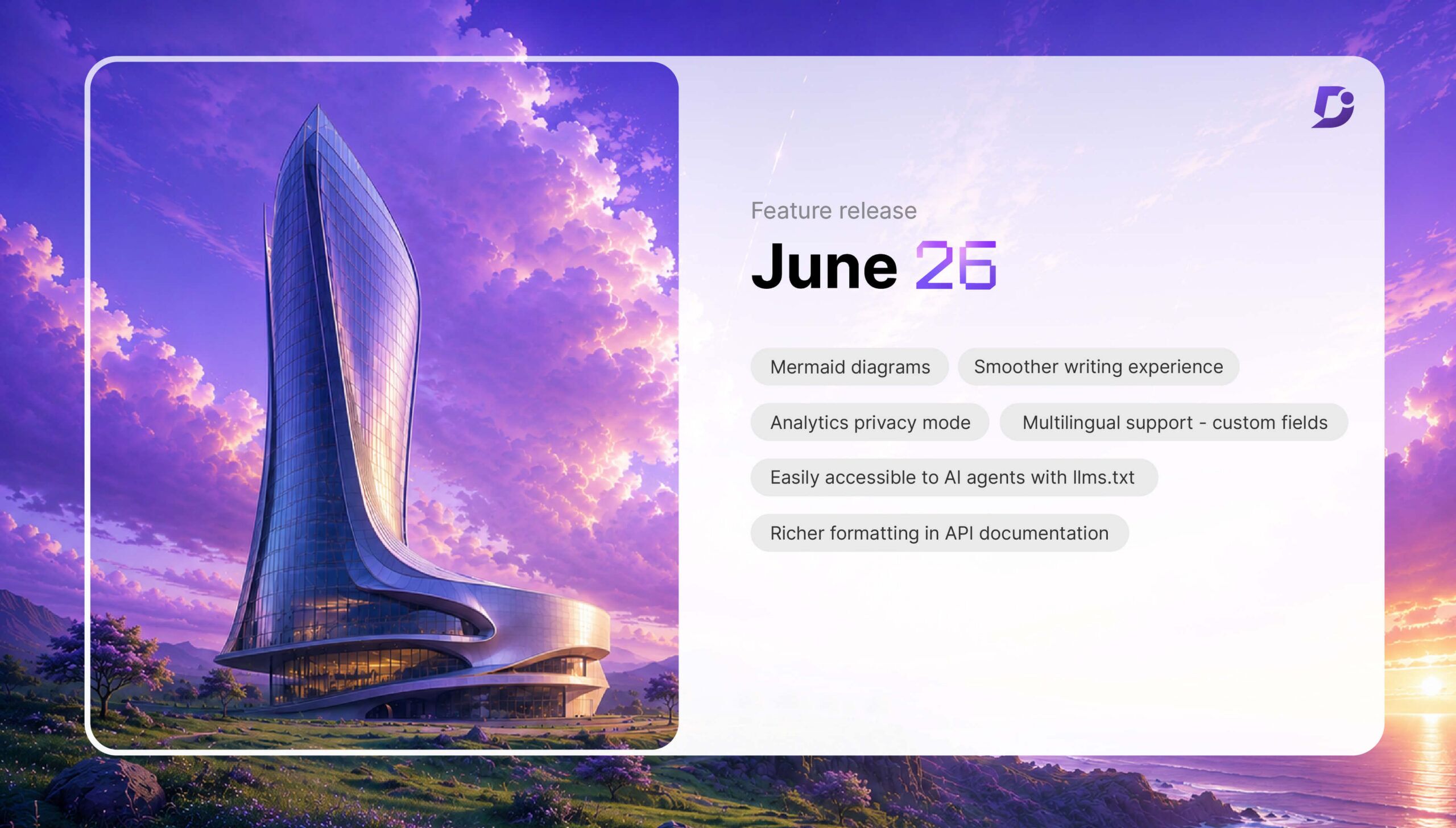
- Document360’s June release adds native Mermaid diagrams to the Advanced WYSIWYG editor, with 23 templates, split-pane live preview, preserved syntax, article insertion, and PNG/SVG export.
- It automatically generates and updates llms.txt for every knowledge base to help AI assistants discover documentation, retrieve correct articles, improve citation accuracy, and reduce reliance on outdated sources.
- The MCP Server now supports workflow statuses, reviewer assignments and due dates, workflow-stage changes, publishing, and unpublishing throughout the review-to-publication process.
- Other improvements include richer API editing, broader HTML migration support, reader-data anonymization and deletion, multilingual Custom Fields, mapped Drive folders, PDF version history, and analytics exports.
- Additional updates include public-workspace restrictions, enforced security headers, Conditional Content filtering, persistent table scrollbars, expanded browser support for AI Capture, reorderable SSO/JWT buttons, and improved logo rendering.
AI-generated content. It may contain errors.
See Document360 in action
Your documentation now has two readers. There’s a person searching for an answer, and the AI assistant retrieves it on their behalf. Writing well for one no longer means you’ve served the other.
Document360‘s June release is built for both. It brings native Mermaid diagrams into the editor, generates an llms.txt file automatically so AI assistants can find and cite your content, and extends the MCP (Model Context Protocol) Server across the full review-to-publish workflow. The release also sharpens API documentation editing, multilingual projects, privacy controls, PDF exports, and content organization.
Here’s what’s new.
Native Mermaid Diagrams: Design Flowcharts Without Leaving Your Editor

Technical documentation often relies on diagrams to explain workflows, system architecture, APIs, and business processes. Until now, creating those visuals usually meant switching between external diagramming tools, exporting images, and re-uploading them every time something changed.
Document360 now brings Mermaid diagrams directly into the Advanced WYSIWYG editor.
Authors can create flowcharts, sequence diagrams, class diagrams, state diagrams, and many more using built-in Mermaid syntax, all without leaving the editor.
Whether you’re documenting software architecture, DevOps pipelines, customer workflows, or engineering processes, diagrams can now evolve alongside your documentation.
What makes this even better?
- Choose from 23 built-in diagram templates
- Write Mermaid syntax inside a split-pane editor with live preview
- Insert diagrams directly into articles
- Underlying Mermaid code is preserved for future editing
- Export diagrams as PNG or SVG whenever needed
Instead of maintaining static images that quickly become outdated, documentation teams can now keep diagrams version-controlled, editable, and always synchronized with their content.
▶ Check out this video on using Mermaid Diagrams in Document360 to visualize workflows without external tools.
Make Your Documentation Easier for AI to Find with Automatic llms.txt

Most documentation was written for two audiences: readers and search crawlers. There’s now a third. When someone asks ChatGPT or Claude a question about your product, the assistant decides on its own which sources to trust, and it often guesses wrong, pulling from a forum thread or an outdated tutorial instead of your official docs.
An llms.txt file fixes the guessing. It’s a plain-text index, placed at the root of your site, that tells AI assistants what your documentation covers and where the authoritative version lives.
Document360 now generates that file automatically for every knowledge base. There’s no template to fill in and no setup to maintain. As your content changes, the file stays up to date automatically.
This helps AI systems:
- Discover your documentation more efficiently
- Retrieve the correct articles
- Improve citation accuracy
- Reduce reliance on outdated external sources
As AI-powered search continues to evolve, llms.txt helps ensure your documentation remains the primary source of truth. The auto-generated llms.txt covers discovery, and your documentation’s agent score tells you what happens after the agent arrives.
📊 Did You Know?
Traditional SEO helps search engines discover your documentation, but llms.txt helps AI assistants understand and retrieve it more accurately.
Complete Documentation Workflows Without Leaving Your AI Assistant
Creating documentation with AI is only half the story. Publishing, reviewing, and managing content still often require switching back to your documentation platform, which interrupts your workflow.
The Document360 MCP Server now extends beyond content creation to support the entire documentation lifecycle.
Previously, connected AI assistants could search, read, create, and update articles through MCP. Workflow actions such as assigning reviewers, moving content through workflow stages, and publishing or unpublishing articles still require manual action inside Document360.
With this release, those gaps are closed.
Documentation teams can now use their connected AI assistant to:
- List available workflow statuses
- Assign reviewers with due dates
- Move articles and page categories through workflow stages
- Publish and unpublish content
- Manage the complete review-to-publication process from a single conversation
A typical workflow now becomes much more seamless. Authors can locate an article, make updates, send it for review with an assigned reviewer and deadline, then publish it once approved, all without leaving their AI assistant.
As organizations increasingly adopt AI-assisted documentation workflows, these expanded MCP capabilities help eliminate repetitive context switching and make content operations significantly more efficient.
Better Writing Experience Across Every Editor

Good documentation starts with a smooth authoring experience.
This release introduces several improvements that make everyday writing simpler while reducing common editing frustrations.
The Quick Insert toolbar has been repositioned to the right side of the editor so it no longer obscures your content while writing.
Content migration has also become more reliable. Converting articles from the classic WYSIWYG editor to the Advanced WYSIWYG editor now supports a much broader range of HTML elements, significantly reducing “Unsupported HTML tags” errors during migration.
These updates make it easier for teams to adopt the Advanced WYSIWYG editor without unnecessary cleanup work.
Publish documentation that’s accurate, consistent, and ready for your users.
Book a Demo
Richer API Documentation Editing

API documentation deserves the same writing experience as the rest of your knowledge base.
Until now, API descriptions were limited to basic text formatting.
The API Documentation editor now includes a mini Advanced WYSIWYG editor, allowing technical writers to use familiar formatting tools and slash commands while documenting endpoints.
This creates a much more consistent authoring experience across both knowledge base articles and API references.
More Privacy Controls for Reader Analytics

Organizations operating private knowledge bases often need analytics without storing personally identifiable reader information.
Document360 now introduces an Anonymize Reader Information setting for private projects.
When enabled:
- Reader names, emails, and user IDs are no longer stored
- Reader Analytics is hidden entirely
- Reader-identifiable information is excluded from exports
- Existing reader information becomes hidden from the interface
For organizations that require the complete removal of historical reader information, administrators can also permanently delete previously collected reader data via a dedicated cleanup option.
This provides greater flexibility for teams operating under internal privacy or compliance requirements.
Smarter Multilingual Content Management
Managing multilingual documentation often involves keeping metadata synchronized across language versions.
Custom Fields now support multilingual projects by automatically copying field values from the default language into every translated version.
Each language maintains its own editable copy, allowing translators and regional teams to customize values independently while reducing repetitive manual work during article creation.
Improved Drive Folder Routing

Files uploaded through the Advanced WYSIWYG editor now automatically follow configured Drive folder mappings instead of defaulting to the Images folder.
When no custom mapping exists, Document360 intelligently organizes uploads by file type, automatically placing PDFs, presentations, Word documents, and other assets into dedicated folders.
Version History in PDF Exports
Exported PDFs now include article and category version history.
Readers can view:
- Version numbers
- Published dates
- Publisher information
- Publish comments
Organizations can also require published comments through workflow settings and optionally display version history directly within their knowledge base.
These enhancements make exported documentation more valuable for compliance, audits, customer handoffs, and regulated documentation workflows.
Enhanced Export Capabilities for MCP and Eddy AI Analytics
Understanding how AI tools interact with your knowledge base often requires exporting analytics for deeper reporting and analysis.
This release introduces new export capabilities across both MCP Server Analytics and Eddy AI Analytics.
The MCP Server Analytics dashboard now supports CSV exports for the MCP Search Tool chart, enabling teams to analyze search activity beyond the portal or integrate the data into external reporting workflows.
Eddy AI Analytics exports have also been enhanced with standardized ISO-format date and time stamps for every conversation entry, making it easier to perform accurate auditing, reporting, and time-based analysis across AI interactions.
Together, these improvements give documentation teams greater flexibility when measuring AI usage, analyzing search behavior, and reporting on knowledge consumption.
▶ Check out this video on Document360’s latest product updates, including native Mermaid diagrams, MCP enhancements, and privacy-focused analytics
Other Notable Improvements
This release also includes several platform enhancements across the knowledge base experience:
- Reader Group and IP Address conditions are no longer available in public workspaces, ensuring publicly accessible content remains unrestricted.
- The X-Content-Type-Options: nosniff HTTP security header is now enforced across all knowledge base site endpoints.
- A new Conditional Content filter has been added to the All Articles page to make content management easier.
- Wide tables now display a persistent horizontal scrollbar on the knowledge base site for improved usability.
- The knowledge base portal now includes a Manage Projects shortcut directly from the project selector.
- The AI Capture browser extension now officially supports Microsoft Edge and Brave alongside Chrome.
- Administrators can now reorder SSO and JWT login buttons shown on reader login pages.
- The knowledge base logo rendering has been improved in both light and dark themes.
- The Edit option has been removed from article preview pages to prevent duplicate editing sessions.
Building Documentation for Both Humans and AI
Modern documentation must serve multiple audiences simultaneously: customers, employees, developers, search engines, and, increasingly, AI assistants.
This month’s release helps documentation teams create richer technical content with built-in Mermaid diagrams, improve AI discoverability through automatic llms.txt generation, strengthen privacy controls, and simplify documentation management across multilingual projects, API references, and exported content.
Every enhancement in this release is designed to make documentation easier to create, manage, and consume, whether the reader is a human or an AI.


