 EN
EN 
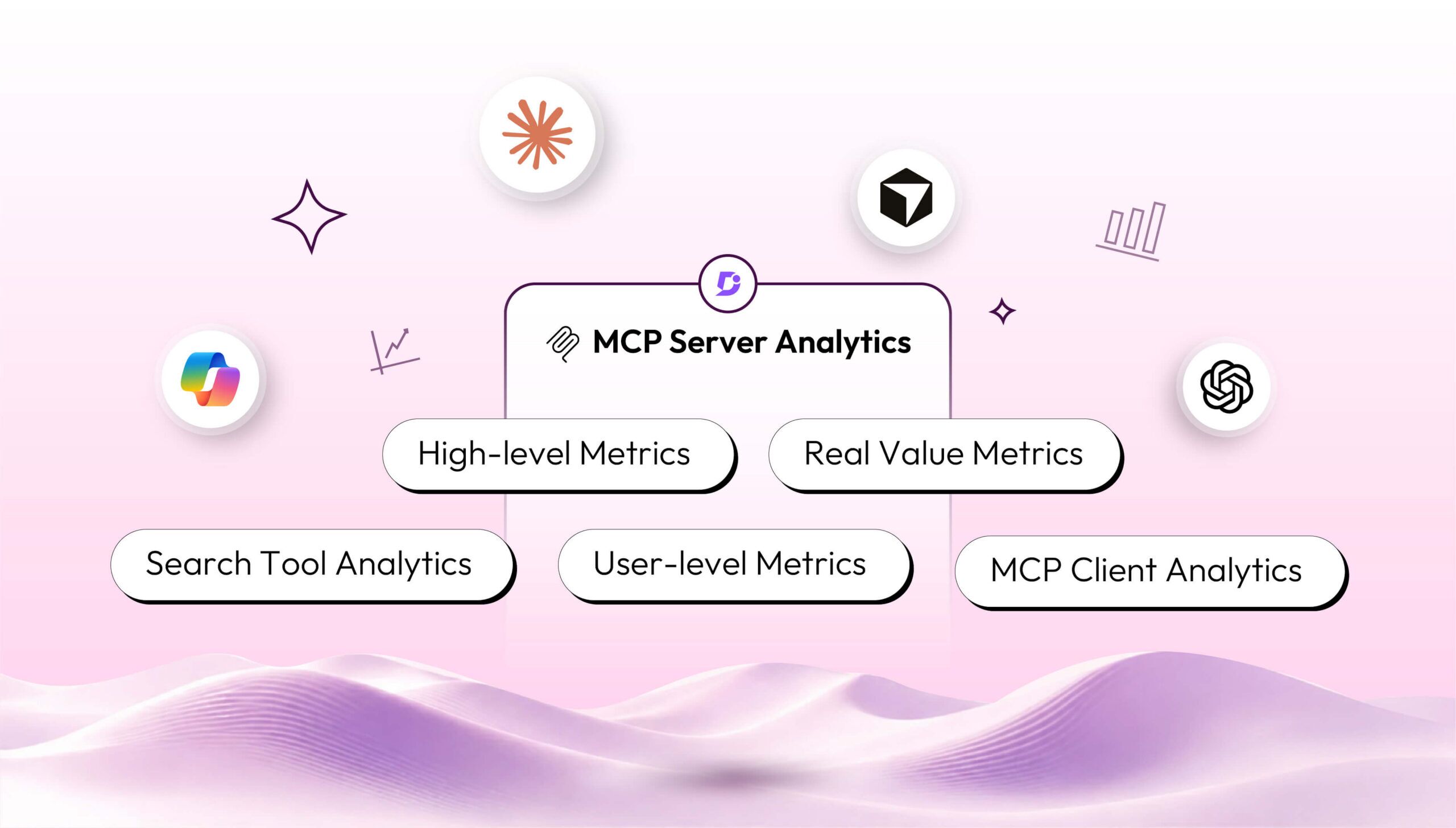

AI Summary
- MCP servers let AI assistants such as Claude, ChatGPT, Copilot, and Gemini exchange data between business applications, orchestrate workflows, and access knowledge bases. Technical writers can read, write, and modify content through AI assistants, while readers can access content without visiting the documentation site.
- Analytics dashboards use MCP server logs and data pipelines to track time ranges, MCP clients, users, accessed articles, content operations, usage trends, tools, and read/write activity.
- Key metrics include total calls, success and failure rates, active users, top users, and popular MCP clients. Read/write operations can fail due to rate limits, AI assistant token limits, or internal API errors.
- User and client analytics identify power users, training needs, traffic sources, coding-agent usage, client migration trends, and documentation’s business value.
- Search-tool analytics and queries help detect knowledge gaps when searches return no content. Overall, MCP analytics supports content optimization and content-strategy decisions.
AI-generated content. It may contain errors.
See Document360 in action
The MCP server changed the way we provide content to AI assistants such as Claude, ChatGPT, Copilot, Gemini, and so on. Through an MCP server, AI assistants can exchange data between different business applications and can orchestrate workflows between them. The MCP server democratized access to knowledge bases and business applications. Using an AI assistant interface, technical writers can undertake various workflows in a few minutes without any manual dependencies.
There is a plethora of connectors available in major AI assistants’ marketplaces such as Claude, ChatGPT, Microsoft Copilot, and so on. For every knowledge base vendor, it is now mandatory to publish MCP servers to help their technical writers read, write, and modify content. Also, the knowledge base readers can access the knowledge base content without needing to visit the documentation site.
How to Set up the MCP Server Analytics Dashboard
Logs from the MCP server can be used to build the right analytics metrics and charts. Data pipelines can be set up to pull the data from your knowledge base MCP server to prepare the data for analysis and interpretation. Then, business logic can be applied to convert the data into meaningful and actionable metrics for technical writers. The most important data to analyze are
- Time range, because it helps to identify trends and patterns
- Specific filters on the MCP client to identify popular MCP clients
- Top users of your MCP server to understand adoption
- Top knowledge base articles accessed via the MCP server
- List of content operations performed
High-level Metrics to Monitor
The high-level technical metrics writing teams to monitor for their MCP servers are listed below
- High-level usage statistics
- Trends of MCP server calls over time
- MCP tools operations based on read / write operations
- MCP server tools usage
- Top users of your MCP server
- Popular MCP clients through which your MCP server is being used
Key Usage Metrics Every Team Should Track
To understand the value proposition of the MCP server, it is important to track high-level MCP server usage metrics that include
- Total number of calls made to the MCP server: Shows how much MCP has been used overall, helping understand the level of activity during the selected period
- Success and failure rates of those MCP server: calls indicate how often requests are completed successfully, giving confidence in day-to-day usage
- Total number of active users: Highlights issues that occur during usage, helping notice if something is going wrong
These high-level metrics reveal how your technical writing team and your readers are adopting the MCP server of your knowledge base. Tracking them over time shows adoption trends and appetite for new technology by your internal team and external customers.

Measuring the Real Value Metrics of Your MCP Server
Most of the MCP servers offer a set of tools for AI assistants to invoke based on the prompt they receive. These tools expose rich capabilities of your knowledge base to solve many new use cases. These tools can be classified into “read” and “write/modify” operations. Sometimes these operations fail because of
- Rate-limiting error imposed on the MCP server
- Token limits on your plan based on the AI assistant provider
- Internal API errors occurred during runtime.
It is important to understand patterns in “read” and “write” operations because they show whether your customers are more interested in accessing information from your knowledge base via the MCP server. If there are more write operations, it shows that technical writers are undertaking various content operations via the MCP server from AI assistants. This also means that your technical writers’ team is more GenAI-native.

Tracking all errors on the “write/modify” operation is essential because it inhibits the technical writer from undertaking certain tasks. MCP tools operations metrics help knowledge base admins to monitor the value delivery of MCP servers.
See how tracking MCP metrics can help your team close content gaps faster with Document360
Book a Demo
User-Level Analytics: Top Users and Adoption Insights
MCP server analytics can also list the top users based on usage. This helps to identify power users and understand the distribution of usage across many users. Training programs can be given to users who are utilizing the MCP server less.

MCP Client Analytics: Understanding Which AI Tools Drive the Most Traffic
MCP servers are configured with MCP clients such as Claude, ChatGPT, Copilot, and so on. The MCP usage lists the top clients generating MCP call volume. This chart is of greater importance to technical writers. For example, if the MCP server is used inside coding agents such as Claude Code, Cursor, and so on, then its traffic is reflected in the chart below.
If any coding agent is using the knowledge base MCP server, it shows that technical documentation, such as API references, user manuals, troubleshooting guides, and other artifacts, is utilized by coding agents to execute certain tasks. This helps technical writers to quantify the value of documentation and compute business outcome metrics.
MCP client usage metrics can also change over time. For example, some of your customers might migrate from Cursor to Claude code; understanding these trends helps to produce the right set of content, target the right set of articles for content accuracy, and so on.

Search Tool Analytics: Detecting Knowledge Gaps in Your Documentation
Many knowledge base MCP servers would offer a “search tool” so that the MCP client/AI assistant could use it to search the knowledge base for a particular query based on what your users entered. Tracking search tool usage, along with all “queries,” is important to technical writing teams. It helps them to identify knowledge gaps if the search tool returned no content. Correlating this search query with our chatbot analytics will help us understand any shift in customer search behaviors.

Turning MCP Server Analytics into a Smarter Content Strategy
MCP server analytics helps the technical writing team to trace the value of the delivery of documentation. More importantly, who uses their documentation more, and what content is being served. Understanding MCP client usage stats reveals the popular tools using the MCP server and how content should be optimized for certain MCP clients. Overall, leveraging the MCP server analytics helps technical writers to focus on the right content and the right set of content-related activities.


