 EN
EN 
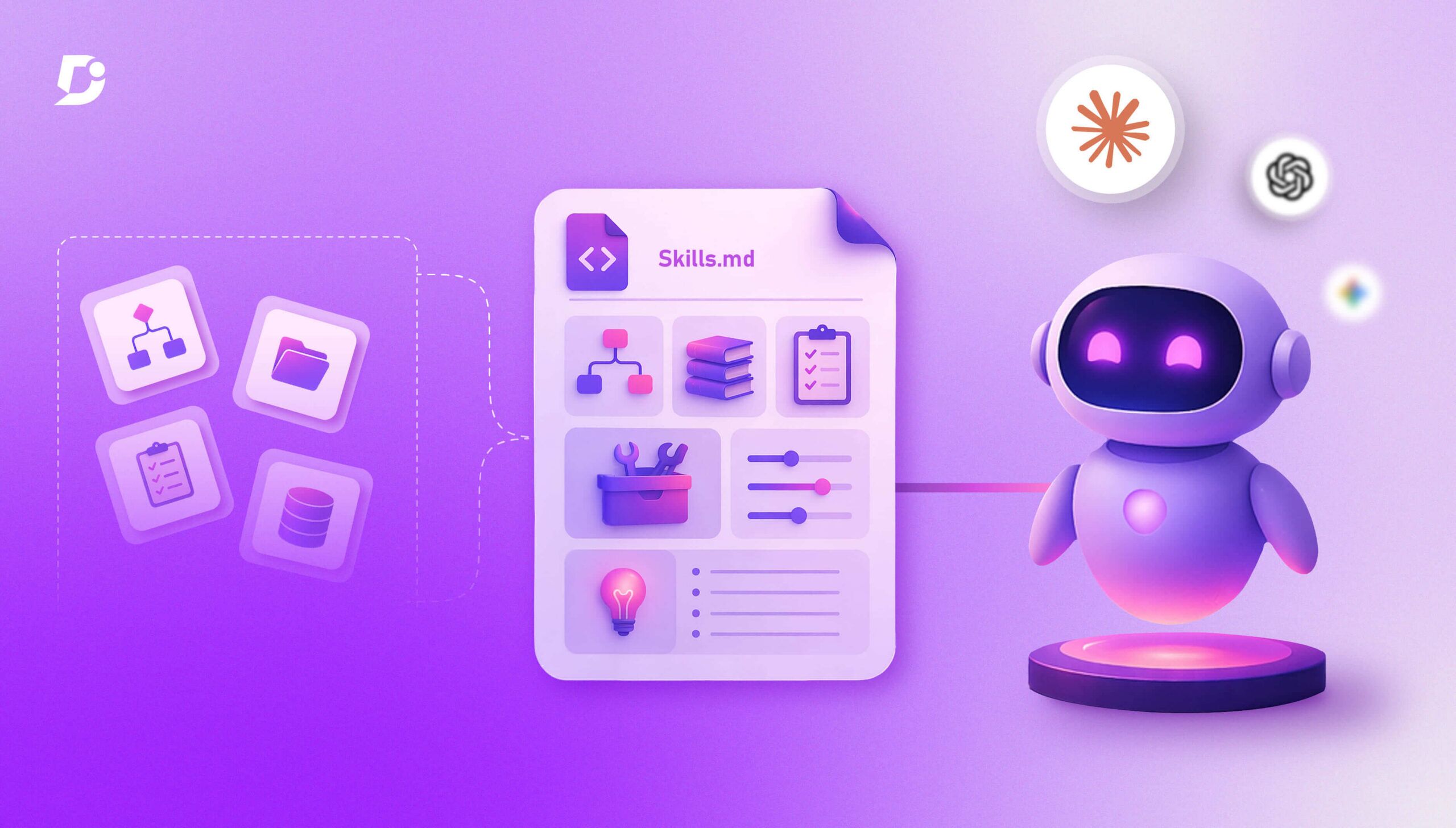

AI Summary
- Skills are reusable resources containing workflows, context, and best practices that augment AI assistants. Metadata loads at startup, instructions load when triggered, and resources or code load as needed.
- Skills.md is a Markdown file containing instructions, rules, and guidelines for tasks. It acts as a reusable prompt, dynamically loads relevant content, and supports consistent outputs.
- Skills use three stages: high-level metadata, instructions loaded into the context window, and resources, code, and tools loaded as needed. The root file references style guides, tools, and other resources.
- Supporting files can include Markdown style guides, a business glossary for canonical terminology, templates, workflow procedures, and tools.md defining tools such as MCP servers, APIs, and AI search engines.
- Technical writers should test all skill.md components to ensure correct triggering and workflow execution with the right tools.
AI-generated content. It may contain errors.
See Document360 in action
Skills are reusable resources that can be provided to AI assistants such as Claude, ChatGPT and so on. Skills contain workflows, context, and best practices in your domain that can augment your AI assistant’s capabilities. Rather than repeating a set of prompts, skills can be reused for tasks that are tailored to your domain. Moreover, complex workflows can be built using skills. AI assistants such as Claude load skills metadata during startup, and instructions inside skills are loaded when triggered. Other resources and code as part of skills are loaded as needed.
For technical writers, it is important to create a skill.md file to leverage AI to its fullest capabilities and thus become a GenAI-native technical writer. Skills are becoming industry standards, and thus can be ported to any AI assistant. However, writing skills.md and its components require attention to detail in the process, required artifacts, tool descriptions, and instructions on what to use, when to use, and how to use.
What is Skills.md?
Skills.md is a Markdown file that contains instructions, rules, and guidelines for how an AI model, such as Claude, ChatGPT, and so on, should carry out a task. Skills.md can be considered as reusable prompts in general. The AI model reads skills.md and dynamically loads relevant content. Skills.md helps your AI model to produce consistent outputs.

Example of Technical Writing Skills
Skills Hierarchy & Structure Explained
Skills can contain three types of content; each type is loaded at a different time.
- Stage 1: This content contains high-level metadata, which the AI assistant loads at startup.
- Stage 2: This content contains instructions to run once loaded into an AI assistant’s context window.
- Stage 3: This content contains resources, code, and other tools that can be loaded as needed.
This is the generic architecture of how skills are loaded.

Technical writers need to create a good hierarchy and structure their skills to be more modular.

Skill.md file is the root file that ties everything together. Content in this file should reference the style guide, tools, and other resources so that the AI assistant can load them on an “as required” basis to perform specific documentation-related activities.
Turn your Skills.md workflows into scalable documentation with Document360.
Book A Demo
How to Structure Your Styleguide in Skills.md
In this resource, you can add all your style guides. The style guide should be written in markdown format (.md extension). If your organization uses different style guides for different product lines or services, additional style guides can be added under this folder structure. The purpose of each style guide can be stated at the start of each section so that AI assistants can understand the intent and scope of a particular guide.

Using a Terminology File for Consistent AI Output
Having a list of business glossary containing approved business terms as an artifact helps with an AI assistant using consistent terms for better clarity and communication. This file defines the canonical terms used across all documentation. When writing any article, these definitions and spellings are used exactly. This prevents the AI assistant from using synonyms for defined terms or paraphrasing terms to avoid misinterpretation.

Why Templates Are Essential in Your Skills.md
As technical writers, we follow templates to help our readers understand the structure of different types of content. For example, templates can be made for step-by-step procedures, release notes, troubleshooting guides, use cases, and so on. Each of those templates can be stored as an .md file in the templates hierarchy.

Writing Workflows in Markdown
In technical writing practice, each process in the DDLC (Documentation Development Life Cycle) has a workflow. Each workflow is usually documented in classical swimlanes using business modeling methodology. However, workflows can be converted into a sequence of steps and written in Markdown format.

Example of workflow represented in swimlanes
All workflows can be given in h1 tags, while procedures can be written in h2/h3 tags. All workflows can be added in a single markdown file.

Defining Tools in tools.md
These are a set of tools that a technical writer will have access to to undertake certain tasks. For example, if a technical writer wishes to research a particular product feature before writing, they might use a search engine, collate information, and then compile notes before writing a first draft. In some scenarios, a technical writer uses tools such as MCP servers, APIs, AI search engines, and so on. All tools can be clearly stated in the tools.md file along with the purpose of operations. These tools can be tied to each workflow, and your AI assistant will use those tools to execute workflows effectively.
Check out this video on using Mermaid Diagrams in Document360 to visualize workflows without external tools.
Testing Your Skills.md: Ensuring Proper Triggering
Writing a proper skill.md file for an AI assistant is indispensable to leverage all capabilities of cutting-edge GenAI technology. More importantly, technical writers need to test all skill.md components to ensure that they are properly triggered on the right instances and able to execute workflows using the right tools. It is high time that technical writers codify their traditional skills and put them in md files to help AI produce documentation.


