 EN
 DE


AI Summary
- An Accessibility Conformance Report (ACR) documents how a specific software product and version meets standards including WCAG, US Section 508, and EN 301 549. It is completed using the ITI’s VPAT template.
- VPAT editions cover WCAG, Section 508, the EU edition, or an International combination. Reports state WCAG Level A, AA, or AAA and use conformance levels: Supports, Partially Supports, Does Not Support, Not Applicable, and, only for AAA criteria, Not Evaluated.
- Creating an ACR involves selecting the edition and standards, defining scope, combining automated and manual testing, mapping evidence to every criterion, stakeholder review, and documenting remediation plans or timelines.
- Best practices include transparent ratings, plain language, product versioning, revision history, annual or major-release updates, and accessible HTML or PDF publication.
- Common mistakes include overclaiming, relying only on automated tests, excluding third-party components, and treating the ACR as a one-time task. Technical writers can own the process.
AI-generated content. It may contain errors.
See Document360 in action
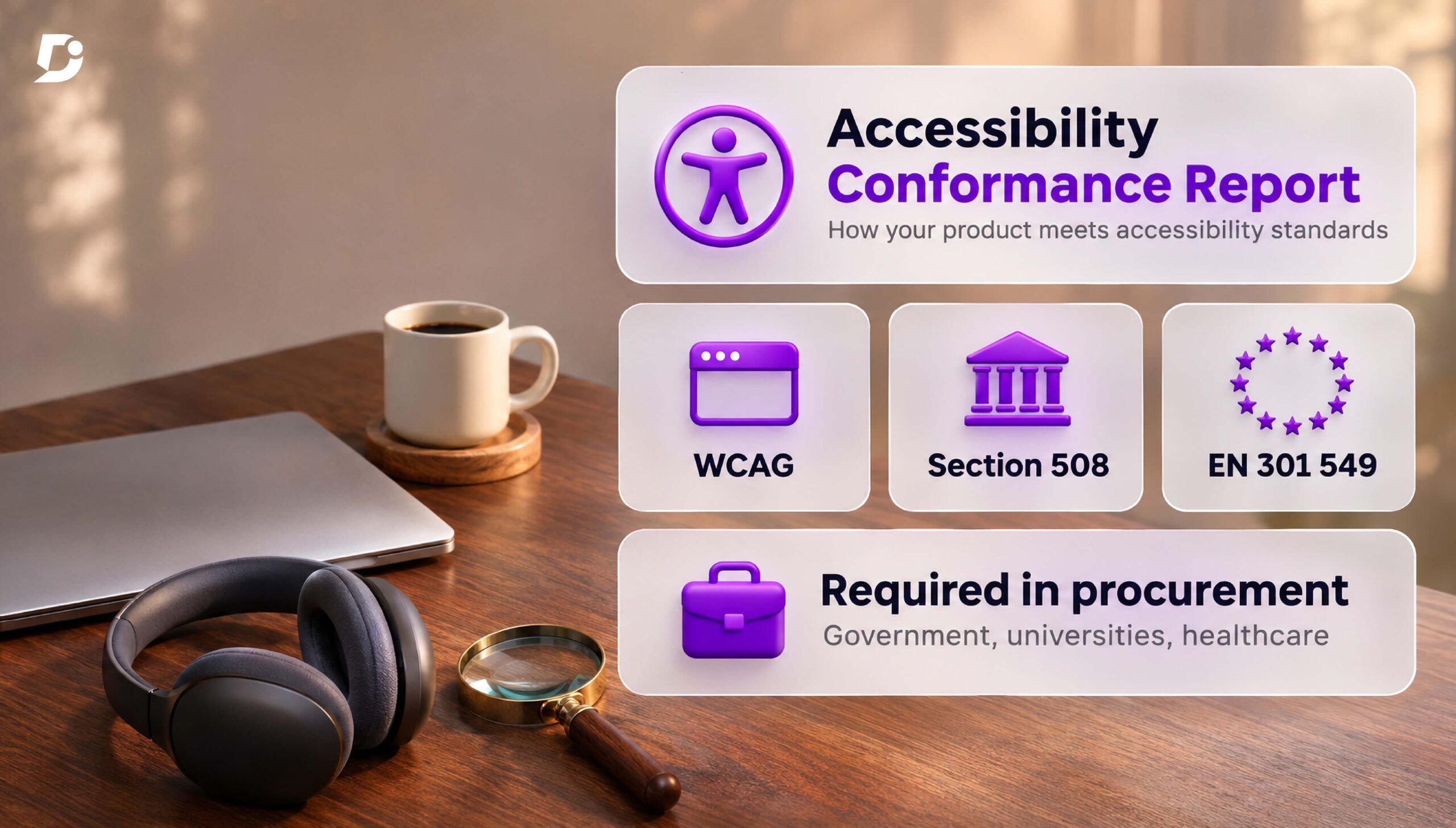
An Accessibility Conformance Report (ACR) is a document that shows how well your software product meets recognized standards such as WCAG, the US Section 508 standards, and the EU standard EN 301 549.
An ACR is created by filling in a VPAT (Voluntary Product Accessibility Template), a standard format published by the Information Technology Industry Council (ITI).
Many organizations, such as government agencies, universities and healthcare providers, often require an ACR during the procurement process. Regulations such as US Section 508 require federal agencies to buy accessible technology, while the European Accessibility Act requires many digital products and services sold in the EU to be accessible.
Thus, an ACR helps your sales team win deals, and technical writers are often well placed to own it. This blog covers VPAT conformance levels, a step-by-step approach to writing an ACR, best practices and common mistakes, and how to keep your ACR current as your software product evolves.
Understanding the VPAT: Editions, Standards, and Conformance Levels
The VPAT is the blank template, while the ACR is the completed report for a specific software product and version. The artifact that is delivered to the customer is always the ACR. The ITI periodically updates the VPAT template, and it is important to download the latest template document from the ITI website.
There are four VPAT editions to choose from
- WCAG criteria only
- Section 508 (US federal market)
- EU edition (EN 301 549)
- International edition which combines all three
The report must state which WCAG level your software meets: Level A, Level AA, or Level AAA. Most buyers require at least Level AA, while Level AAA is optional and rarely required.
The Section 508 edition covers functional performance criteria, hardware, software, and support documentation and services. Mark any section that doesn’t apply, such as hardware for a software product, as Not Applicable.
Both Section 508 and EN 301 549 include specific requirements for help center documentation; thus, your knowledge base is assessed as part of the compliance requirements.
There are four main conformance levels in the ACR. A fifth term, Not Evaluated, is allowed only for WCAG Level AAA criteria.
- Supports: This means that functionality meets the criterion without any known defects
- Partially Supports: Some functionality does not meet the criterion
- Does Not Support: Most functionality does not meet the criterion
- Not Applicable: The criterion is not relevant to the product
Each part of the product must be evaluated against every criterion, and the conformance level should be marked. The buyer assesses conformance levels and then decides on procurement of software.
How to Write an ACR Step by Step
Writing an ACR requires a lot of coordination with product teams and other stakeholders. Follow these steps to draft your ACR:
- Choose the right edition: Pick the VPAT edition that suits your software and your target market.
- Define the scope: Record all product information that includes product name, version, release date, APIs, and so on. If any items are excluded for the ACR, state them clearly.
- Pick the standard version: Decide which versions, such as WCAG 2.1 or 2.2 and EN 301 549 v3.2.1 or the latest v4.1.1, and state them in the report. Section 508 references WCAG 2.0, while many buyers now also ask for WCAG 2.1 or 2.2.
- Provide evidence from testing: Combine automated scans (such as axe or WAVE) with manual testing to catch edge cases, including keyboard-only navigation, screen readers (NVDA, JAWS, VoiceOver), zoom and reflow, and color contrast checks.
- Map findings to each criterion: Go through every success criterion and assign a conformance level based on the evidence and data.
- Undertake review: Review the ACR with product, engineering, and legal teams before publication.
- Link to a roadmap: If any gaps are identified, mentioning planned fixes or timelines brings transparency into the ACR and builds the buyer’s trust. Referencing an independent third-party audit adds credibility.
Schedule a demo with one of our experts to take a deeper dive into Document360
Book A Demo
Best Practices and Common Mistakes When Writing an ACR
Best practices
- Be transparent: Accurate “Partially Supports” ratings with clear remarks build more trust than optimistic “Supports” ratings.
- Write in plain language: Procurement teams, not just accessibility specialists, read the ACR. Explain each remark simply, avoiding jargon.
- Version the ACR with your product: Tie each ACR to a specific product version or release date, including SaaS products.
- Keep it current: Update the ACR after every major release, and at least once a year. Add a revision history so buyers can see what changed.
- Publish it in an accessible format: An accessibility report should itself be accessible, so publish it as HTML or an accessible PDF.
Common mistakes to avoid
- Overclaiming conformance: Marking criteria as “Supports” when known issues exist creates legal and reputational risk if a buyer finds the gaps.
- Relying only on automated testing: Tools like axe and WAVE miss issues such as keyboard traps, illogical focus order and unhelpful alt text. Always combine them with manual testing.
- Not testing third-party components: Chat widgets, video players and payment forms embedded in your product are part of what the buyer uses, so they must be evaluated too.
- Treating the ACR as a one-time task: An ACR that no longer matches the product misleads buyers. Review it whenever the product changes.
Final remarks
An ACR is a trust asset that helps the sales team win deals with enterprise buyers. A credible ACR is built through thorough testing, combining automated tools and manual checks.
Starting with the right VPAT template and evaluating every criterion carefully makes the report more transparent. Given that product knowledge, clarity in writing, and collaboration with stakeholders are part of the technical writer role, the technical writer can own the ACR.
Also, keeping the ACR current and accurate as the product evolves is an important aspect of a technical writer’s workflow for compliance.


