 EN
EN 

AI Summary
- Document360 earned G2 Leader and High Performer badges for Spring, Summer and Fall 2026, based on verified user satisfaction and market presence.
- Reviewers highlight its AI-powered search, which accepts natural-language questions, surfaces relevant answers, and reduces repetitive support workload.
- Its AI chatbot answers only from configured, published knowledge sources, providing concise responses aligned with company documentation.
- Automated reminders, self-maintaining workflows, and Version History help teams maintain accuracy, compare changes, audit edits, and roll back errors.
- Document360 supports technical writers, administrators, consultants, and product managers through accessible tools, while reviewers praise its responsive customer success and support teams.
AI-generated content. It may contain errors.
See Document360 in action
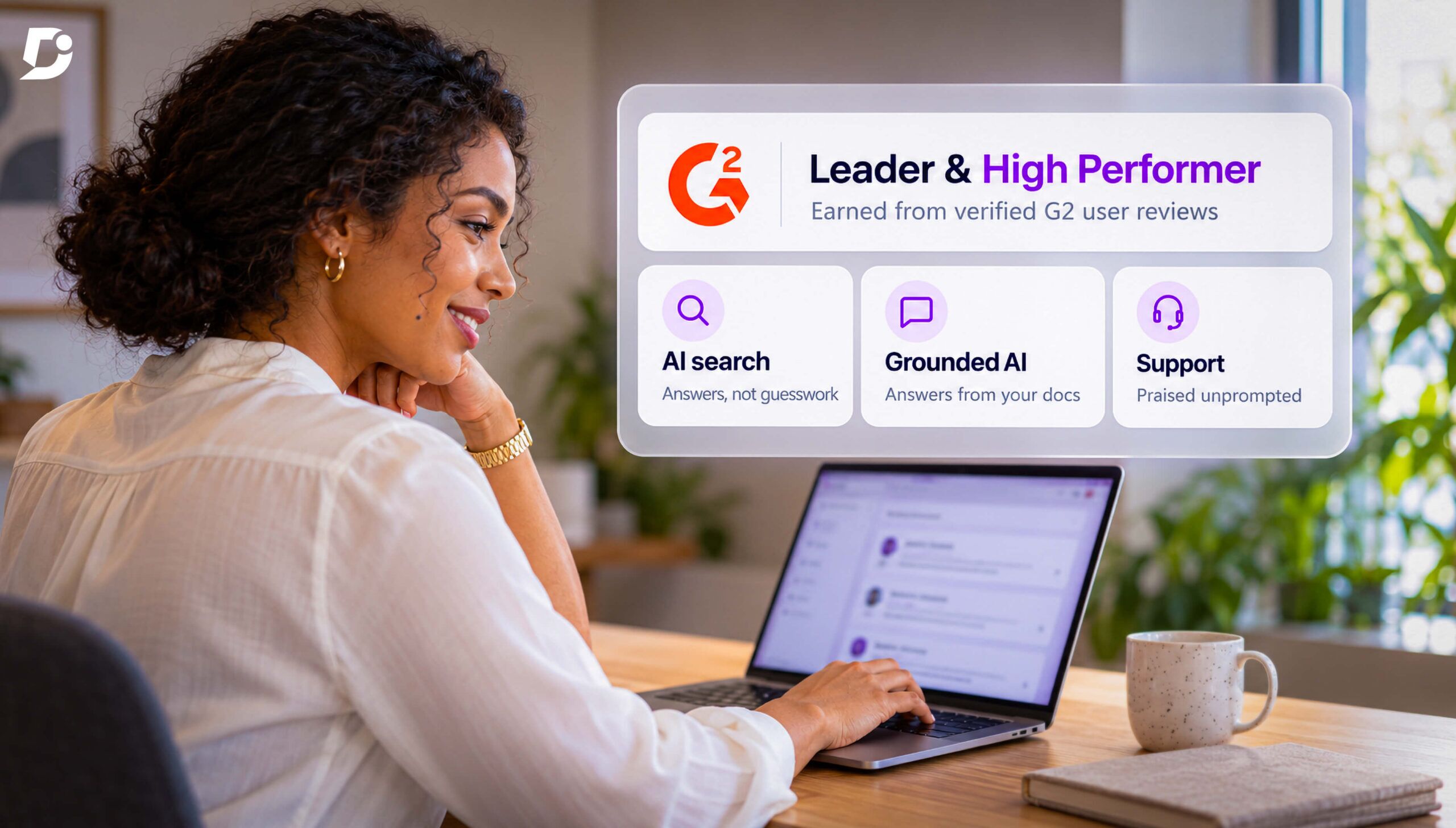
Document360 just earned the Leader and High Performer badges on G2 for three consecutive seasons (Spring, Summer and Fall 2026), answering the one question every buyer asks before they commit: Can I trust this product to help my team?
Most knowledge base platform vendors on the market these days claim to be powerful, intuitive, and ready for the era of artificial intelligence. Buyers know this is a common marketing tactic, and what they really want is proof, especially from everyday users in environments similar to theirs.
In this article, we show you exactly why Document360 is the Leader and High Performer on G2. We use real word-for-word reviews for its search, AI, and collaborative capabilities, and the support its team provides to show what this recognition really represents.
What Leader and High Performer on G2 mean
You don’t earn the Leader and High Performer badges on G2 with a polished demo or a fancy website. They pick the winners of the badges using two criteria:
- Satisfaction score from real, verified users
- The real deployments of the product over the years (market presence)
It’s important to note that no product can simply pay its way into either of the two lists. It needs to consistently get high ratings from people who use it on a daily basis. Because when you’re out there, looking to buy from a knowledge base vendor, the honest reviews become a data point that helps you make the right decision. A 10 out of 10 review explains where Document360 does well far more than its sales deck.
In this post, you’ll notice that all the reviews we’ve referenced show one particular pattern: Users aren’t just satisfied; they’re very specific about what makes Document360 a solid addition to their stack for their team. The remaining post unfolds around those specific outstanding features users keep mentioning, including:
- The search experience
- Document360’s AI chatbot
- Self-maintaining workflows for accuracy
- Tools beyond technical writing
- Support quality from the team
AI-powered search function: get answers to what you really ask
One of the most repeated themes among all reviews is the praise for Document360’s search function. And we’re not talking about how it checks the must-have feature list, but rather how the search helps the users’ productivity.
When someone is looking for a key piece of information in the knowledge base that they surely know exists, Document360’s AI-powered search ensures it surfaces right up. Users say it shifts from having to guess the right keyword to simply asking a natural language question. So, instead of searching the exact title, users can type what they want to know and get the relevant answer.
A technical consultant on G2 described picking Document360 after analyzing eight to ten other vendors, particularly for such a search functionality. It’s a very important addition for support teams who get repetitive tickets, as rather than just being convenient, it reduces workload measurably.
“The key to adoption is the search functionality using conversational AI. The customer success team (all of them) have been great!”
— Chris M., Consultant
A chatbot that stays grounded in the company documentation
One of the major issues with AI chatbots is that they can’t be trusted. If they’re known to hallucinate, users will just prefer going to the relevant human and asking them the question over having to verify the chatbot’s information every time.
Document360’s reviewers have called the platform out for always abiding by the knowledge sources configured by the teams. It doesn’t give generic answers available on the internet. And this makes users see the AI feature as a daily tool rather than just a novelty.
An administrator pointed out that since the chatbot only answers from the published content, she doesn’t have to waste time double-checking all its answers before she passes them along. This comes as a relief for those teams who can’t compromise on reliability, for example, those who deal with compliance documentation, SOPs, and content with technical specs.
“The answers are concise, aligned with our published content, and much easier to trust because I know where the information is coming from. I spend far less time verifying responses or checking whether something was generated without a source.”
— Megan L., Administrator, Justpoint
No more manual chasing of documentation accuracy
Outdated or inaccurate documentation is worse than none at all, especially when people are following it, trusting its relevance and accuracy. An administrator explained how their experience with the previous vendor caused reliability issues, with missed calendar reminders, manual spreadsheet updates, and teams following old policies. Shifting to Document360 automated much of their manual updates, and the staff was easily able to stay on track with scheduled reminders.
Additionally, Document360’s version history adds a layer of confidence. It lets users compare the older and the newer versions of the documentation side-by-side, with differences highlighted so they can track all changes and undo any errors with a single click. For teams with multiple users working on a single SOP, this feature removes the risk of overlapping edits.
“Version History completely eliminated that anxiety by giving us a full audit trail and instant, zero-risk rollback capabilities.”
— Onyeanuna P., Administrator, Small-Business
Documentation made for all the departments and roles
When a product earns this broad of a satisfaction score, it can’t be catering to just one type of user. If you check the reviews, they come from different types of professionals, from technical writers and administrators to consultants and product managers. They all describe how easy it is to use Document360.
This cross-role accessibility allows quick onboarding. Small, savvy capabilities create an independent documentation culture that doesn’t rely on one or two team members. For example, AI-generated glossaries allow new hires to catch up on new terms without anyone’s help. They can search it on their own and get consistent answers every time.
A mid-market reviewer even noted that the product managers, who aren’t adept at technical writing, can also update the documentation without a lot of effort. It takes some pressure off the technical writing team.
“Product Managers, who aren’t technical writers, can easily update the documentation, which reduces the workload on our technical writers.”
— Gideon B., Mid-Market
Support that reviewers praise unprompted
While the features help with adoption, it’s the quality of support that keeps the users faithful to Document360. Several reviewers praise Document360’s customer success team for reaching out before they reach out. Such a mention sends a stronger satisfaction signal than even a survey, as they randomly and naturally show up in reviews which are primarily focused on some high-tech functionality.
A long-term Document360 user and a technical writer applauded the team for going beyond standard troubleshooting, sometimes even building custom solutions for their specific needs. This dedication becomes very important for buyers evaluating a vendor’s capability to maintain a long-term relationship.
“Document360’s support team deserves special recognition. Throughout my experience, the team has been responsive, approachable, and genuinely interested in solving customer problems.”
— Ronak G., Tech Writer
Key Takeaways
- G2 doesn’t provide the Leader and High Performer badges based on a vendor’s marketing claims but based on verified user satisfaction and its market presence.
- The common threads highlighted by reviewers are Document360’s AI-powered search, a knowledge base-grounded AI Chatbot, and its self-maintaining accuracy features.
- Document360 works for a diversified user base, ranging from technical writers, administrators, consultants, and product managers, reducing the dependency on a single team.
- Reviewers provided unprompted praise for Document360’s support team, which often contributes to the retention of its users over a long period of time.
Interested in Document360’s AI-powered knowledge base? Schedule a demo with one of our experts
Book A Demo
Conclusion
G2’s leadership and high performer badge wouldn’t mean much if there was no evidence behind it. But as you can see, the reviewers have consistently shown how its features like AI-powered search and a grounded chatbot have contributed to their teams’ productivity. Plus, it helps take the load off your staff’s plate by providing savvy automations, reminders, and version history to maintain documentation relevance without much manual effort. Its ease of use ensures all teams can benefit from it without relying on your technical writing team. And if you’re ever stuck, the support team will be ready before you even ask for


