 EN
EN  PT-BR
PT-BR FR
FR ES
ES DE
DE


Are you wondering what an enterprise wiki is and how it works? Do you want to know its benefits and whether it’s the right solution for managing internal knowledge within your organization?
Before we explore these questions, let us look at some numbers:
- Employees spend an average of 2.5 hours per day searching for information.
- A strong knowledge management system can reduce the time lost in searching for information by up to 35% and boost productivity and efficiency by 20-25%.
- The enterprise wiki software market is expanding, projected from $2.3 billion (2024) to $5.1 billion (2033) with a 9.8% CAGR, showing its increasing importance.
So, an enterprise wiki is clearly worth exploring for its benefits, and that is what we are going to do in this article.
Let us start from the very basics.
📝 TL;DR
An enterprise wiki supports collaboration, documentation, and knowledge management across teams.
- Employees lose a significant amount of time searching for internal knowledge in most organizations.
- An enterprise wiki is a web-based platform where teams can create, edit, and access content collaboratively.
- It keeps knowledge updated and acts as a centralized, reliable source of truth for internal information.
- You can build an efficient wiki by choosing the right software, defining goals, assigning content owners, designing a simple structure, configuring access, and reviewing content regularly.
- Designing the wiki with practical use cases in mind ensures a more robust and scalable structure.
What Is an Enterprise Wiki?
The word ‘wiki’ denotes a web-based platform where users can create and edit content collaboratively.
So, an enterprise wiki or internal wiki is a web-based, centralized hub where teams collaboratively create, manage, and access any type of internal knowledge in the organization.
It is a structured platform built on a Wiki software for ongoing knowledge management. It not only stores information but also makes organizational knowledge easily accessible and reusable.
An enterprise wiki houses updated content, with complete version history, permissions, and ownership built in. It acts as a single source of truth for the organization, from policies and workflows to technical and support documentation. This is the one reliable place where all your team members go for answers.
Why Enterprise Wikis Matter for Company Knowledge?
As your organization scales, knowledge becomes more and more difficult to find and use. That is because its fragmentation across tools, documents, inboxes, and individual employees keeps getting wider and gets out of hand. This creates friction in everyday work, resulting in poor productivity and an increased risk of mistakes, as teams often rely on outdated documents or informal handovers.
Internal wikis solve this by providing centralized access to trusted and up-to-date information. It becomes the self-service hub for teams where they can find answers to whatever they are looking for.
Also, enterprise wikis preserve organizational knowledge even when people move on. Whether they leave the company or change roles, their knowledge stays documented and accessible, averting the chaos that normally comes with such changes.
Clear and well-maintained documentation also reduces missteps by standardizing how work gets done across teams.
How to Build an Enterprise Wiki
Building an enterprise wiki is a living system that supports collaboration, knowledge sharing, and long-term scalability across teams. The following steps will guide you through the process, starting with selecting the right platform for your organization.
Choose the right software
Choosing the right wiki software is the first crucial step towards building an enterprise wiki. You must select a software that is flexible enough to fit how your team already works and integrates with the existing tools.
It should be easy enough for all team members to create, update, and search content on, without requiring technical expertise. Complicated or highly technical tools will not find adoption, and your team members will simply avoid working on them.
A modern, preferably AI-powered tool that supports easy content organization, version history, and collaboration is a good choice. Remember that the tool should scale with your needs without making a dent in your budget.
Define clear goals and success criteria
Before you start adding any content to your wiki, it is best to be clear about its ‘why’. Ask yourself why you are building this wiki:
Is it meant to reduce internal questions? Speed up onboarding? Support customer-facing teams? Act as a single source of truth for the company? Or do all the abovementioned things?
Without clear goals, the wiki will just become another dumping ground for documents.
Once you define the goals, also define the KPIs around them. In line with the whys above, some of the KPIs could be:
- Fewer repeated questions in internal channels
- Faster onboarding times
- Quicker issue resolution times, or
- Higher usage across teams
Clear KPIs tell you what is working and what is not on your Wiki, allowing you to continually improve it over time.
Identify content owners and contributors
To keep content relevant and updated, you must establish clear ownership of the content. Without defined owners, pages quickly become outdated or unreliable.
You must identify subject-matter experts who are responsible for creating and maintaining specific sections, and make it clear that content upkeep is part of their role, not something they do in their spare time.
Also, as is the very spirit of the wiki, encourage broader contributions from team members who work closest to the processes being documented, so the quality of the content is refined.
Not everyone may own content creation, but everyone across the organization should feel inspired and empowered to suggest updates, flag inaccuracies, or add missing information.
Design a simple, intuitive structure
Once the content is up there, it is the structure of your wiki that determines how easy it is for people to find and use information on it.
If content is buried under too many layers or organized inconsistently, your teams will lose trust in the wiki. So, you must organize content keeping in mind how your teams think and work.
Use clear categories, consistent naming, and logical groupings so information is easy to scan and search. The goal is to make navigation intuitive, even for a first timer.
Configure the access for teams
Not all information in an enterprise wiki needs to be visible to everyone. Some content may be relevant only to specific teams, while other must be accessible across the organization.
Accordingly, you must set clear permissions based on roles and responsibilities. Set permissions around viewing, editing, and managing content, but avoid locking things down too tightly, as that can discourage contribution and slow down knowledge sharing.
Configuring access thoughtfully helps balance transparency with security.
Regularly review and update content
Your enterprise wiki is only going to be as useful as the accuracy of its content.
As teams, processes, and tools evolve, information can quickly become outdated if it is not reviewed regularly. So, you must schedule regular reviews for the wiki and assign responsibility for keeping it current (in parts or sections).
Without ongoing maintenance, content becomes stale and incorrect, and it starts to break down, wasting all the work done in the first place.
Now that you have a clear idea of how to build an enterprise wiki, let us look at the top 3 enterprise wiki software you can build it on.
Top 3 Enterprise Wiki Tools
The right enterprise wiki tool can streamline collaboration, reduce information silos, and improve productivity. Here are three top enterprise wiki tools trusted by organizations of all sizes.
Document360
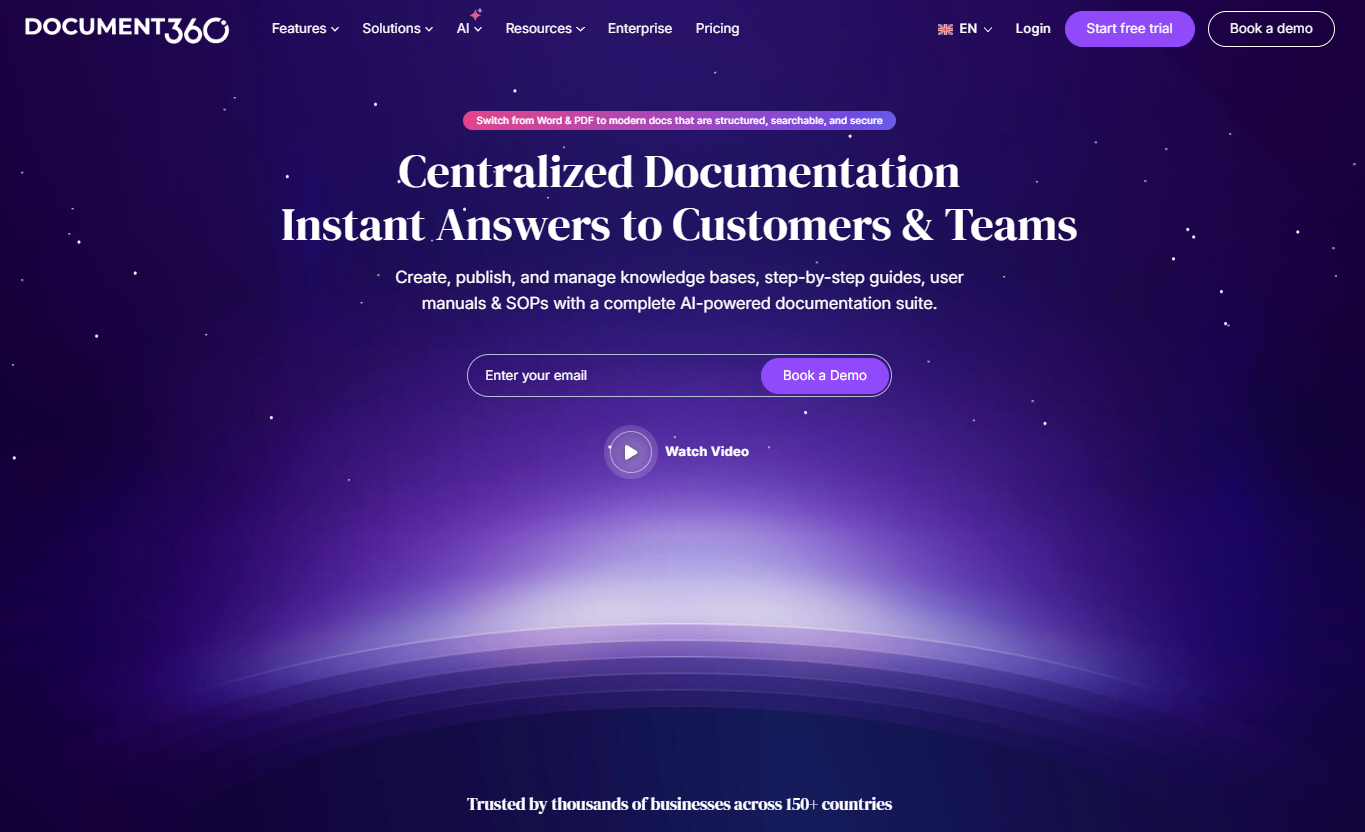
Document360 is an AI-powered enterprise wiki software designed for teams that need a dynamic, scalable knowledge base platform.
It helps organizations centralize internal knowledge in one place, making it easier for employees to create, organize, and find information without relying on scattered documents.
Some of the features that make Document360 an ideal internal wiki software are:
- You can create content using both Markdown and WYSIWYG editors, so technical and non-technical teams can contribute comfortably.
- You can organize content into up to six levels of categories and sub-categories, helping teams structure information clearly.
- You can assign article owners for clear accountability for creating and maintaining specific pieces/ parts of the wiki.
- You can set up review and approval workflows, ensuring articles are checked before publishing and updates don’t go live without validation.
- You can track every change through detailed version history.
- You can use Ask Eddy, Document360’s built-in AI assistant, to update content faster by summarizing articles, improving drafts, and identifying outdated or missing information across the knowledge base.
Document360 also connects with tools like Slack, Google Drive, and GitHub, keeping internal knowledge linked to everyday workflows. It offers tailored pricing as per different organizational requirements to suit specific needs.
See how teams use Document360’s AI-powered knowledge base to build a smarter, scalable enterprise wiki.
Book a Demo
Nuclino
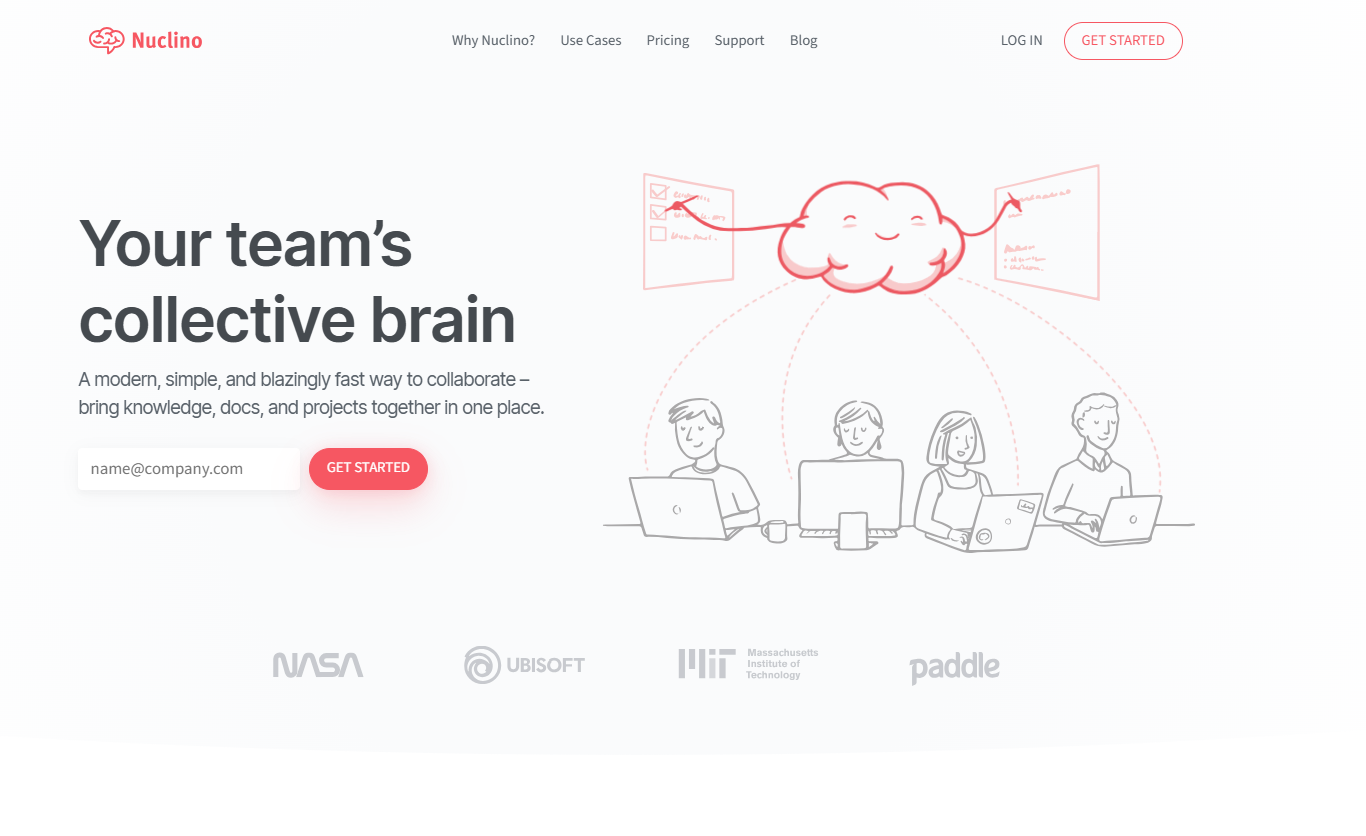
Nuclino is a user-friendly enterprise wiki software built for structured and collaborative knowledge creation.
With Nuclino:
- You can start working directly from your browser, without installing anything. Simply create an account and start.
- You can easily import your content or start creating content from scratch using its real-time editor.
- Multiple team members can collaborate on content in real time, automatically saving every change in version history and preventing version conflicts.
- Linking pages together is as easy as typing an “@”, instantly organizing information.
- All your team’s interconnected documents automatically create an interactive mind map, giving you an easy overview of all your internal documentation.
- You can find information quickly through instant search.
Guru
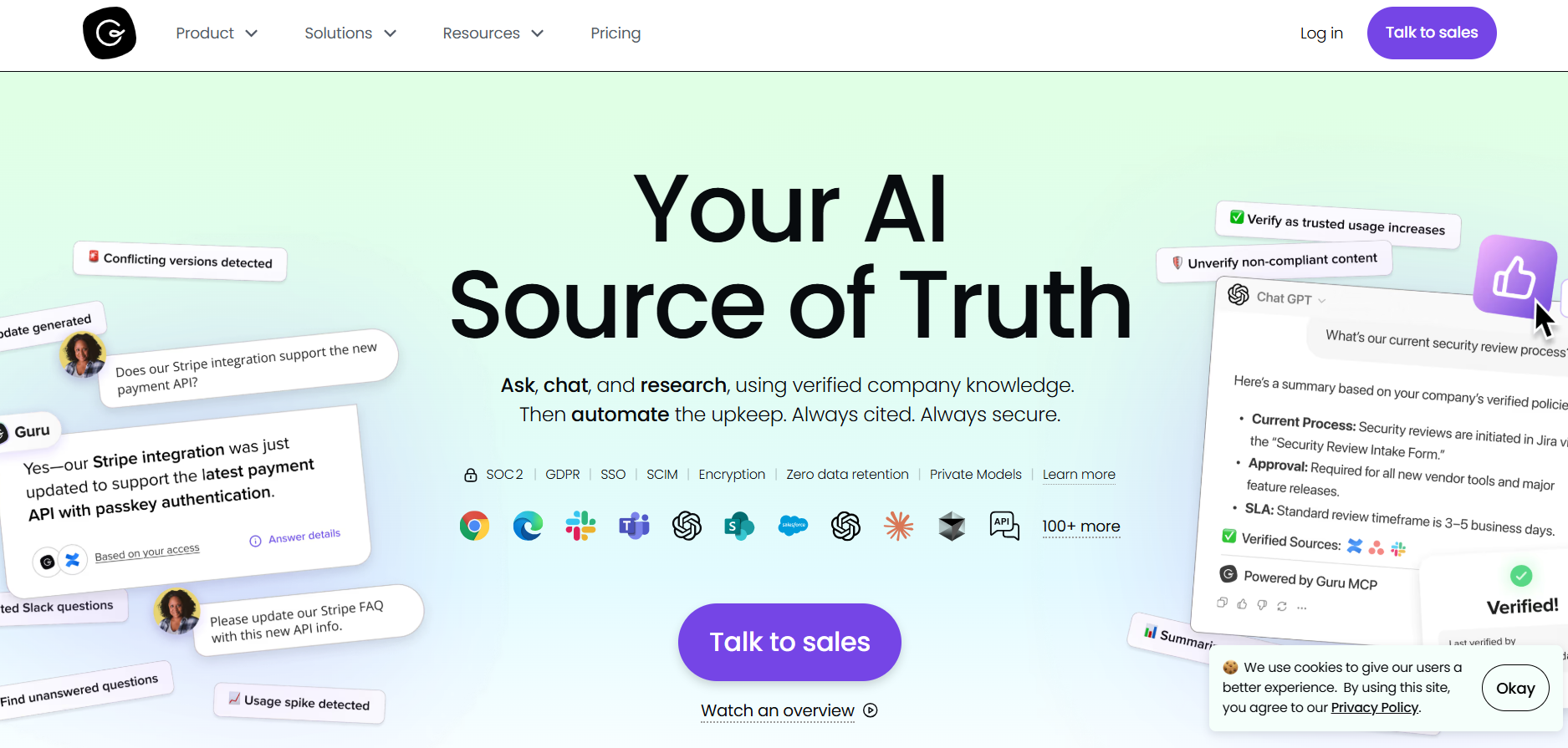
Guru is an AI-powered knowledge management platform that centralizes your company’s information and makes it accessible to your teams exactly when they need it.
Some of the things Guru can do for you are:
- Deliver accurate and contextually relevant information by connecting with your existing tools and learning from user interactions.
- Create personalized landing pages to curate and display specific content for different teams or departments.
- Organize content into boards and collections so your teams can group knowledge by function, tool, or workflow.
- Assign verification owners and verification intervals, so content is regularly reviewed and marked as trusted.
You can tailor Guru to fit your brand identity and structure.
Practical Ways Teams Use an Enterprise Wiki
Internal documentation
An enterprise wiki is also called an internal wiki because it is the hub of your organizational knowledge. Naturally, its most practical use is in terms of internal documentation, and this is how different teams use it:
Customer support teams use it to document and quickly refer to troubleshooting guides, canned responses, FAQ, SOPs, etc., giving accurate and consistent responses to each query.
Operations teams refer to the enterprise wiki for process documentation and internal checklists to efficiently perform day-to-day tasks.
Sales teams fall back on the internal wiki to refer to product info, playbooks, competitor intel, pricing information, and more to convert leads faster while keeping the messaging consistent.
IT teams use the wiki to document and refer to all IT-related procedures and documentation, such as SOPs, system configurations, and incident response guidelines.
HR uses the wiki to centralize self-service knowledge for employees, such as policies, benefits documentation, and internal guidelines, etc., so they can find all information easily in one place.
Finance teams use the wiki to document financial policies, compliance guidelines, and reporting templates, enabling streamlined audits.
Project references and feature roadmap
An enterprise wiki is the most efficient tool to keep all stakeholders on the same page during a project, as it can be accessed by everyone, and each party gets the same information. The relevant team keeps documenting project details, decisions, timelines, and features roadmap on the wiki throughout the project lifecycle.
Training and enablement materials
An internal wiki serves as the collaborative hub for all training and enablement purposes, as all parties can access it for onboarding guides, policies, and best practices for self-paced learning and organized training.
Internal FAQs
Every team has a set of questions that they need answers to most frequently to keep working efficiently. Internal wiki becomes the central place to document FAQs for each team as everyone can access it conveniently, minimizing emails and chats over these common questions.
Troubleshooting guides
An internal wiki is also used to document troubleshooting guides for common issues and errors. Employees can diagnose and solve problems quickly by following these centralized troubleshooting guides, averting escalation.
Conclusion
Enterprise wikis provide one central platform for all your employees’ queries and issues. They also preserve organizational knowledge and help minimize mistakes in how things work by providing standardized documentation. They are a must-have in any organization that wants to save its employees’ precious time.
Choose the right enterprise wiki software, determine how you want to use your wiki, follow the steps given in this article on how to build one, and you are ready to go!


 –
–