 EN
EN 

AI Summary
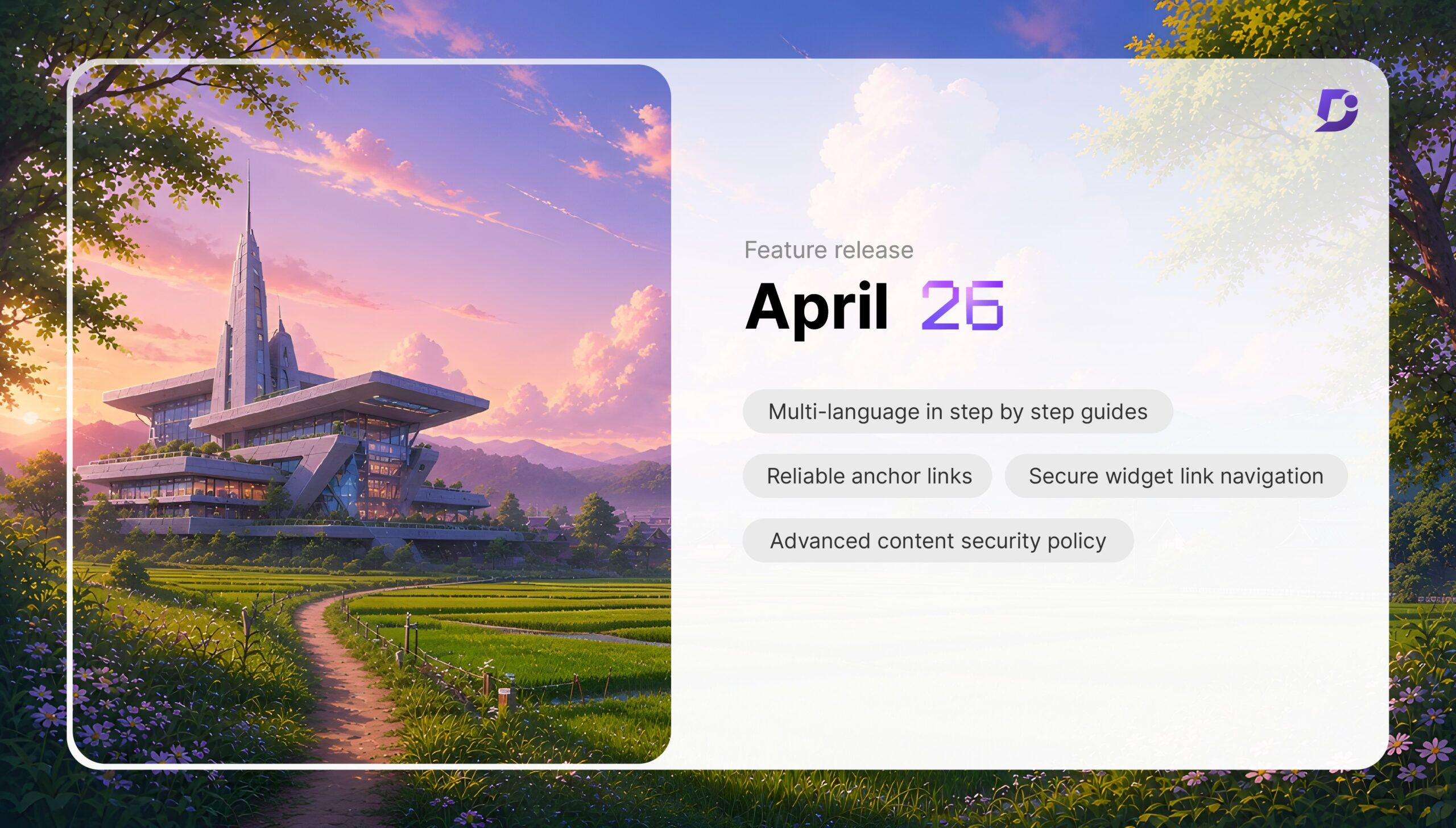
- Step-by-step guides now support multilingual workflows. Guides created in the default workspace language serve as source versions, while translations can be generated in enabled secondary languages. Source changes automatically flag translations as “Needs translation.”
- Advanced Content Security Policy (CSP) organizes controls into Code policy, Resource control, Embedding & Security, and Reporting. Expanded directives and reporting endpoints support configurable protection and monitoring of violations.
- Headings in the Advanced WYSIWYG editor receive unique, permanent IDs preserved across edits and translated article versions, maintaining reliable anchor links.
- JWT-enabled knowledge base widgets validate reader group permissions on every internal link click, including navigation across workspaces.
- Other improvements include featured images for public articles in mixed-public workspaces and a Freshdesk setting controlling whether agents can create knowledge base articles.
AI-generated content. It may contain errors.
See Document360 in action
Document360’s April updates bring solutions that help you tackle the persistent challenges documentation teams are facing. Scaling documentation comes along with several complexities. Some of them include coordinating multilingual content across the languages your audience speaks and protecting and controlling what’s published and how it’s accessed in your knowledge base.
These release improvements are designed to help teams scale with more confidence and less operational friction: From multilingual support for a step-by-step guide that simplifies localization workflows to advanced Content Security Policy (CSP) controls that give administrators deeper control over knowledge base security controls.
Alongside these major updates, April also ships a set of targeted improvements, including persistent anchor links, secure widget navigation, and AI-powered search. This month mainly focused on knowledge base security and accessibility improvements.
Let’s explore how these updates improve documentation and enhance user experience.
Multi-Language Support for Step-by-Step Guides: Your Entire Knowledge Base, Speaking Every Language

If you have built documentation for a global audience, you already know that translating an article includes translating your interactive content (step-by-step guides). Your articles are translated, and the knowledge base is localized. But are your step-by-step guides ready for a global audience?
Until now, those guides existed entirely outside your multilingual workflow. You could localize every article in your knowledge base, but when there is a guided walkthrough, it’s locked in the language they were created in.
With this update, the limitation is gone. Step-by-step guides created in Document360 now support multilingual workflows. Every guided walkthrough you’ve built can now reach the audience in their language. Guides created in your default workspace language now serve as the source version for all translations. From there, translated versions can be generated in any enabled secondary language.
This not only lets you translate a guide, but also automatically tracks when translated guides become outdated. The moment a source guide changes: a step is added, removed, updated, or reordered; the translated versions are automatically flagged as ‘Needs translation’. No manual editing. No comparing versions. No late discovery of outdated versions by users.
See how Document360 helps you manage multilingual content, strengthen security, & deliver seamless user experiences.
Book a Demo
Advanced Content Security Policy (CSP): Knowledge Base Security Controls Built for How Admins Actually Work

For organizations embedding external resources like scripts, styles, images, fonts, frames, and more, CSP is now far more powerful and manageable.
The new interface for CSP organizes policies into four easy-to-manage, logical sections, such as:
- Code policy for scripts and stylesheets
- Resource control for images, fonts, and API connections
- Embedding & Security for iframes, frame permissions, and form submissions
- Reporting for violation monitoring
Directives coverage has been significantly expanded. Options like form-action, object-source, and worker-source provide deeper protection layers. Every major resource type your knowledge base portal deals with now has an explicit, configurable control.
Administrators can now configure reporting endpoints to monitor CSP violations, giving teams real visibility into blocked resources, suspicious activity, and misconfigurations. With this update, CSP is no longer just a static defensive setting, but an active monitoring tool.
This isn’t just a UI refresh. It is a major step towards providing teams with the tools to protect what they publish, ensuring better structure, better control, and stronger security.
Reliable anchor links across edits and languages
Every heading created in the Advanced WYSIWYG editor is now automatically assigned a unique, permanent ID. That ID doesn’t change when the heading text is edited and is preserved across translated versions of the article.
This update ensures the readers land in the correct section every time they click the link, regardless of the language. No more internal link breakage. No more maintenance burden on your team.
Secure widget link navigation across workspaces
JWT-enabled knowledge base widgets now validate reader group permissions on every internal link click. Now, users can only access the content they are authorized to view.
This means seamless navigation across workspaces within the widget while delivering a smoother reading experience with secured access control.
Other Notable April improvements
You can now add featured images to public articles in mixed-public workspaces. If the article is private or placed under a restricted hierarchy, the option remains disabled with a contextual message.
A new configuration option is now available in Freshdesk integration. This lets administrators control whether agents can create knowledge base articles directly from within the Freshdesk app.
These updates reflect how Document360 is evolving towards knowledge base security and accessibility improvements.
That’s the thread running through every update this month. Each feature closes a specific gap between what your knowledge base should do and what it currently does.


