 EN
EN  PT-BR
PT-BR FR
FR ES
ES DE
DE
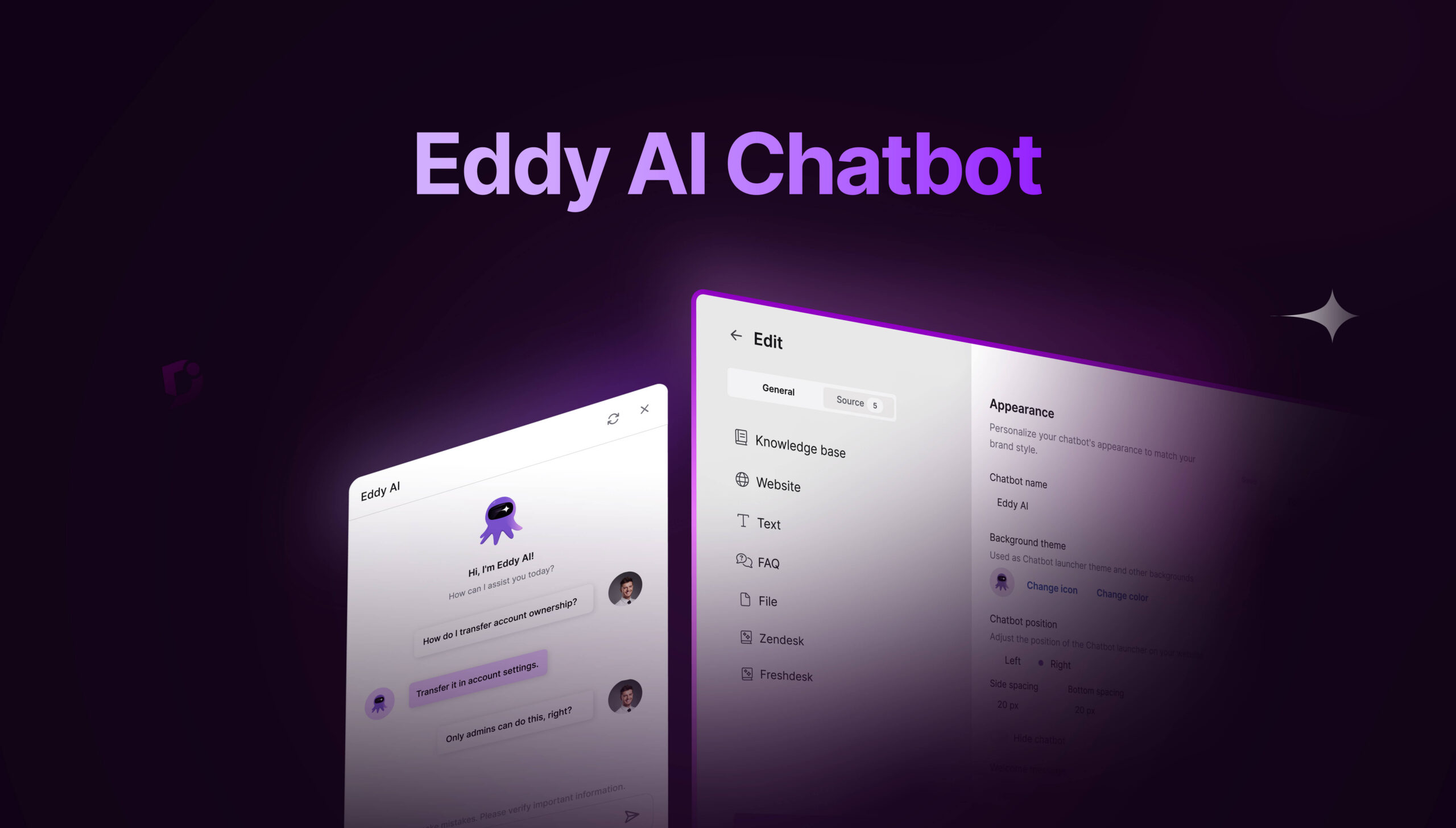

Do you remember what it was like to try to train a chatbot within a limited environment? Sharing the same sources? Testing it out after it went live because there wasn’t a safer place to test it out first?
That’s all in the past now.
The chatbots are now in an environment designed specifically for them. One where you can build, customize, and manage them without limitations. Use content to train with your knowledge base, history of support tickets from Freshdesk and Zendesk, web pages, uploaded files (PDF, DOC, DOCX, MD, TXT), and internal texts. Each chatbot operates independently, using its own sources and configurations.
What makes it even more exciting is the playground. A safe simulation environment where you can do the testing, being in the shoes of an end user, before anyone else lays eyes on it. Ask questions, improve answers, test the limits, and see how it reacts. Finally, publish the bot whenever you feel ready.
When the chatbot recognizes end-user frustration, it can redirect them to create a support ticket in Freshdesk and Zendesk, carrying over the discussion with the necessary details. The support teams are informed, and end users don’t have to repeat themselves. The chatbot just does what it’s supposed to do.
This is what chatbots should have been from the start. Not something that replaces documentation. Not a bot that tries to be clever. Just something that makes answers more accessible when users need them.
▶ Check Out Eddy AI Chatbot For Accurate, Knowledge-Driven Answers
A Chatbot That Helps With The Unseen Weight Of A Technical Writer
Writing documentation is not just about being right with answers. It also involves continually considering how customers will receive those answers. Will they be easily accessible? Will the right information appear at the right time?
Our chatbot assists you in handling some of that load.
It does not make things up or try to figure out what to say in a conversation. It strictly operates from the sources you give it.
You are not limited to one source of information. It can access information from knowledge base articles, support ticket conversations, website pages, crawl links or sitemaps, FAQs, and custom-based text content. It also supports a variety of file types that can be included and integrated to represent your product as it exists. If there is any change, it is in the content sources, not in the chatbot.
If the information has already been fed to the chatbot, the chatbot assists in pulling it out when the user searches. If it is not, the lack of information will be apparent. In either case, it eliminates any confusion and makes it easier to improve the documentation.
This is a big change. It simplifies the task. Instead of focusing on all the what-ifs, it is focused on one thing: Can customers access the information they need when they need it?
You control the experience’s aesthetics. The placement, the look, the greetings – all these things may seem subtle, but they are what make the experience welcoming.
Shape how the chatbot shows up for your users. From its name and visual style to where it appears on the page, Eddy AI Chatbot can be tailored to match the product experience that it lives inside. Teams can decide whether the chatbot stays subtle or more visible, how it greets users, and how closely it aligns with existing UI and branding.
These choices aren’t cosmetic add-ons. They influence whether users notice the chatbot, trust it, and feel comfortable engaging with it. With the ability to preview these changes before publishing, customization becomes a way to shape the experience intentionally without experimenting on live users.
A Playground To Experiment With Your AI Chatbot
Before the user even gets to use it, you can test how it will react to real-world scenarios. The questions asked can be vague, poorly worded, or even surprising. You can continue testing until it is clear what the boundaries are.
Having that space to experiment is important.
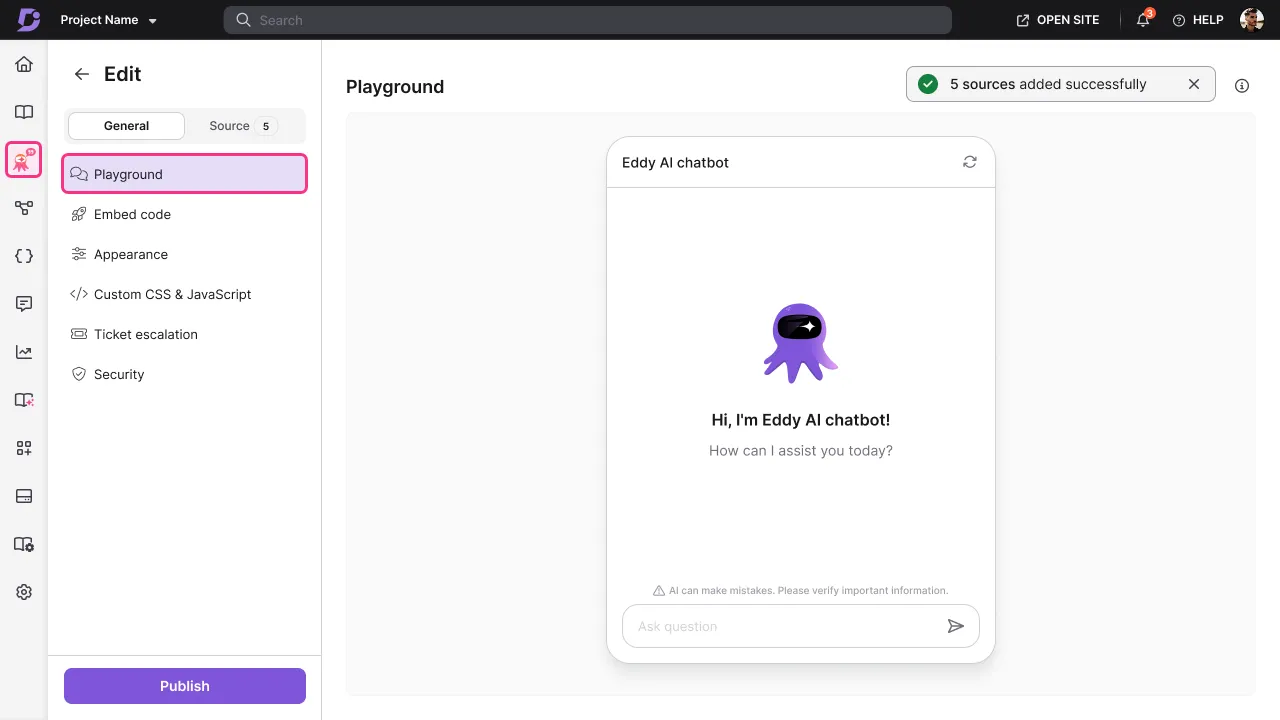
Many chatbots are launched before the team has a proper trial run, largely because there isn’t a safe space to test. Here, you can change sources, improve content, retrain, and test again without end users’ conversations occurring simultaneously.
This may be familiar to the writers. It’s like reviewing the work before it goes public, except now you’re reviewing user behaviour, not just the words.
See how Eddy AI Chatbot delivers accurate answers from your real support knowledge.
Explore Eddy AI Chatbot
A Chatbot That Doesn’t Fall Apart When Keywords Shift
The language used in documentation mostly never reflects how people ask for help.
It’s unlikely that anyone would ask:
“Resetting an account password?”
They might ask:
Forgot password. What to do?”
The chatbot isn’t constrained to exact wordings. It goes beyond headlines and headings, and it correlates intent with the content that best answers the question. When it answers, it shows where the answer came from. That citation visibility matters a lot. For writers, it’s reassuring. Your work isn’t disappearing into a black box. It’s visible, traceable, and editable.
Chatbot That Knows When To Step Aside
Eddy AI chatbot knows its limits. It doesn’t trap users in endless loops when answers fall short. If configured, it can guide users to raise a support ticket by passing pre-filled context, including chat transcripts and AI-generated summaries, instead of forcing them to start over.
Through ticket escalation, the chatbot can integrate directly with existing support workflows in tools such as Zendesk and Freshdesk. When enabled, users can raise a ticket from within the chat itself, whether they explicitly ask for help, mark a response as unhelpful, or when the chatbot is unable to find a relevant answer.
Tickets are created with the chat transcript attached, along with AI-generated subject lines and issue descriptions that users can review and edit before submitting. Once the ticket is raised, the chatbot shares the ticket details in the same conversation, giving users immediate confirmation that their request has been submitted.
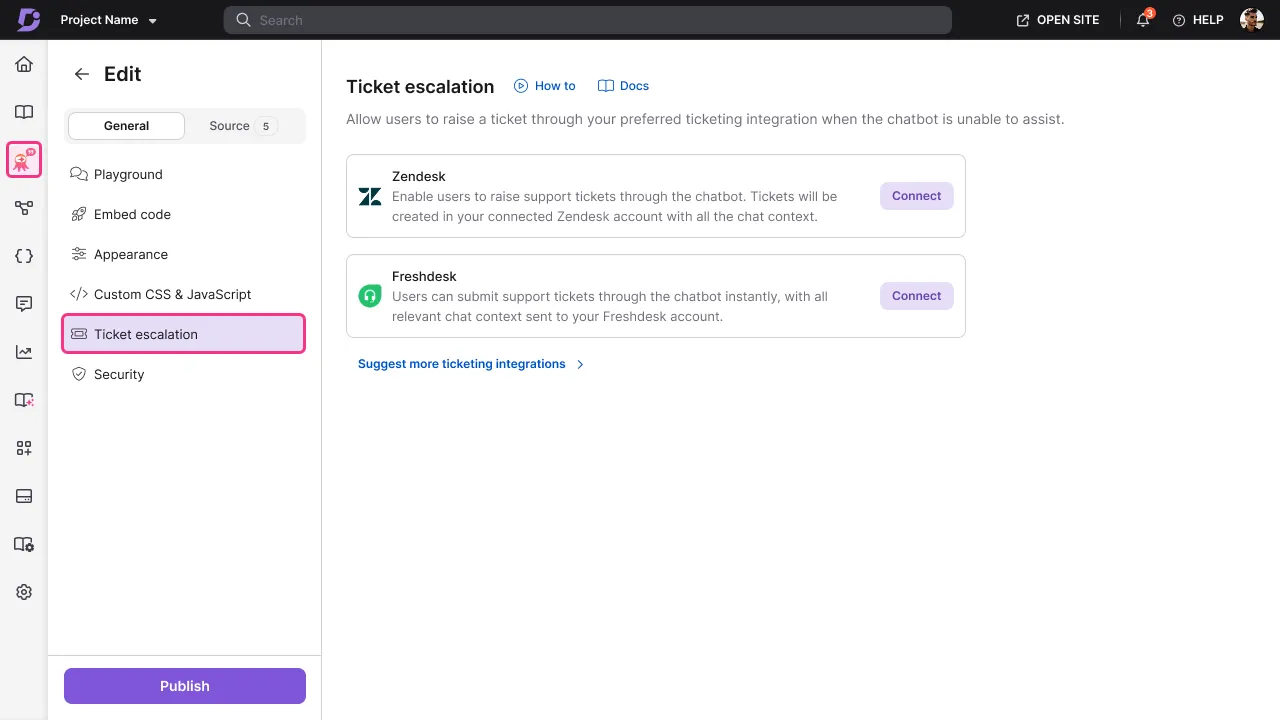
Support teams get better-quality tickets. Writers can acknowledge why the user didn’t receive an answer to their question. Users don’t feel abandoned. And the chatbot stops pretending it has all the answers when it doesn’t.
Ironically, that makes the chatbot experience feel more human.
Wrapping Up
A chatbot doesn’t succeed by answering everything. It succeeds by knowing what it can help with, what it should surface, and when it’s time to step aside and help with additional support.
Eddy AI Chatbot is built around that balance. It works with the content teams it relies on, adapts to how users phrase questions when they need help, and hands conversations over to support when answers fall short. The result isn’t louder automation. It’s clarity, fewer dead ends, and a smoother path from question to solution.



 –
–