 EN
EN 

AI Summary
- Interactive guides are dynamic, action-based e-learning formats that guide users through digital tools, support navigation, personalized flows, behavior tracking, real-time task completion, and improved engagement and retention.
- Effective guides combine clear, user-friendly structure; decision trees and other interactive elements; multimedia such as video, animation, and visuals; responsive navigation; and analytics and tracking.
- To create one, identify the audience and core problem, define a KPI, choose the format and delivery method, organize logical sections, add visuals and interactive components, then test with real users and refine using feedback and data.
- Use cases include self-service troubleshooting, software and product onboarding, corporate training, technical workflows, employee documentation, sales demos, and customer education.
- Interactive content generates 6% higher engagement than static content; 91% of B2B buyers prefer it, and 72% of consumers are more likely to remember brands using it.
AI-generated content. It may contain errors.
See Document360 in action
Do you want to know what an interactive guide is and how it is better than traditional guides? Are you wondering how to create interactive guides?
Let us begin by looking at some numbers to see if interactive content really matters:
- Interactive content generates 6% higher engagement rates than static content.
- 91% of B2B buyers prefer interactive content to static content.
- 72% of consumers are more likely to remember brands using interactive content, and the numbers go on…
From engagement to retention and buying, interactive guides can be the marketing game-changer you’ve been looking for. We will discuss them in detail in this article, starting with what they are.
Let’s get started!
📝 TL;DR
Interactive guides transform boring content into meaningful experiences
- Interactive guides are digital guides that engage users better, improve retention, and enable real-time task completion.
- Some of the key elements of interactive guides are an easy-to-follow structure, multimedia content, user-friendly navigation, and, most importantly, interactive elements.
- To build effective interactive guides, you must know your audience, define KPIs, select the right format, and spruce up the guide with interactive elements.
- Regularly optimize your guides based on user feedback.
- Some of the most popular use cases for interactive guides include troubleshooting, employee training, sales demos, and customer education.
What Is an Interactive Guide?
An interactive guide is a dynamic, action-based e-learning format that guides users through digital tools in a more engaging and effective manner.
They are designed based on the different user actions or steps in the user journey and provide a more lively experience than just passive reading through blocks of text.
For example, you may insert nice pictures or infographics in a PDF user guide or manual user guide to make it more interesting, but at the end of the day, it is static content that you can only view or print out. An interactive user guide, on the other hand, can be way more dynamic:
- It can allow users to navigate through content by clicking on embedded links and menus.
- Personalized flow for each option the user chooses
- It can track user behavior and patterns to design more interesting interactions in the future.

Interactive guides are the most hands-on format for learning and task completion, making them even superior to videos and most effective for scenarios such as:
- Self-service and troubleshooting
- Software and product onboarding
- Corporate trainings
- Technical workflows, and more
- Troubleshooting
Let us delve into the details of why businesses need to create interactive user guides.
Why Businesses Should Create an Interactive Guide
Interactive guides are an excellent self-service option that improves customer autonomy from onboarding through feature adoption and can be used in various ways to reduce dependence on support teams.
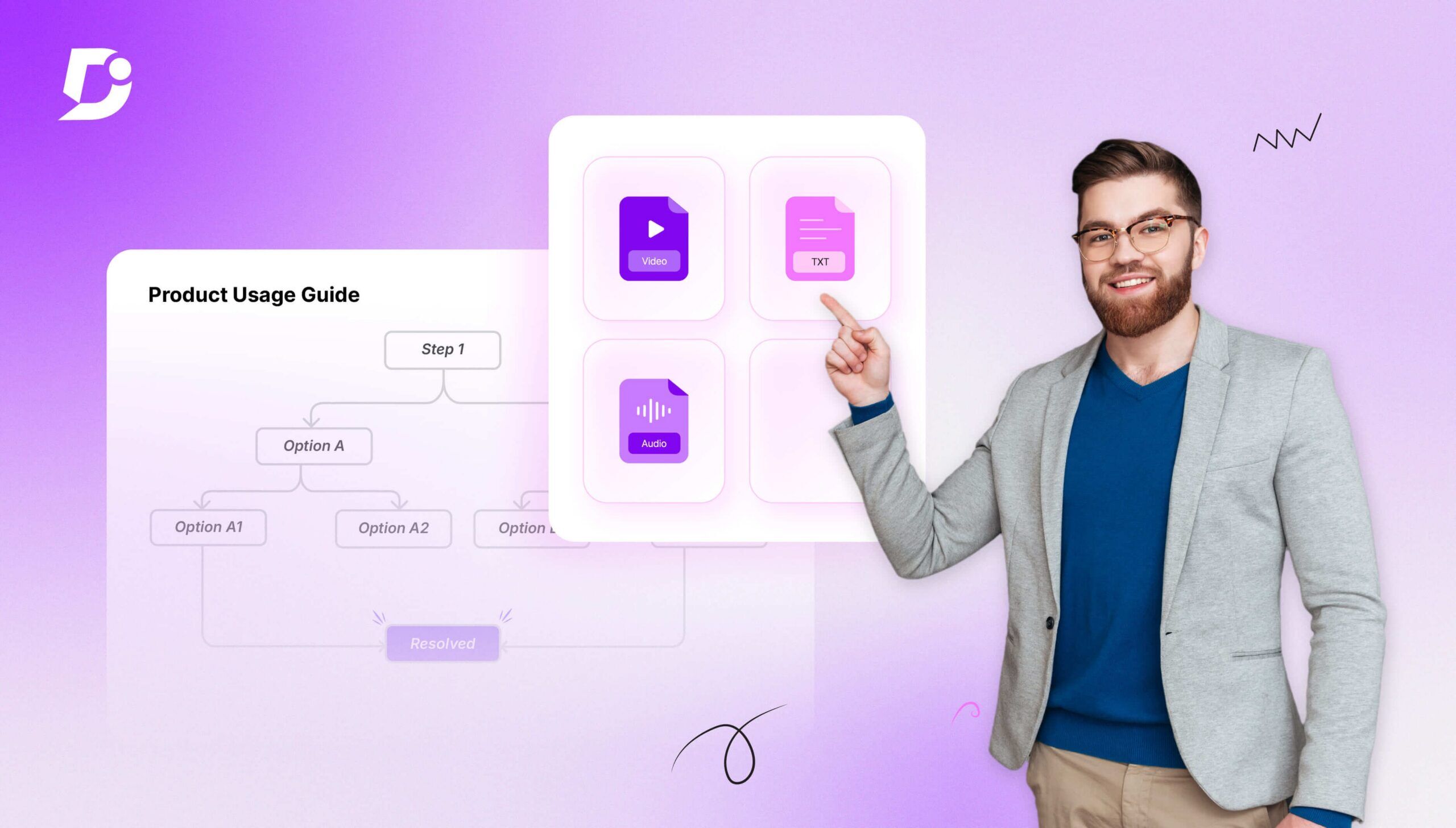
For example, when a user cannot integrate their account with another software. Instead of raising a support ticket, with the help of interactive guides (decision tree), you can guide the user exactly through the scenario.
The guide can start with a simple question like what issue are you experiencing? If the user selects “Integration not connecting”, then it pops up the next question: “Did you authorize the integration?”
Based on the answer given by the user, the guide either shows how to fix the error correctly. By following the decision-tree flow, the user reaches the correct solution step-by-step without contacting support.
Interactive how-to guides also outperform traditional employee training formats for multiple reasons:
- Their on-demand nature facilitates self-paced micro-learning, resulting in better knowledge retention.
- Active learning results in superior engagement
- Workflow integrations allow employees to access training exactly when they need it, etc.
Now, let us look at what makes for an effective interactive guide.
Key Elements of an Effective Interactive Guide
The elements you include will directly determine whether your guide drives action or gets abandoned halfway through. Here is the right combination of elements to include in your workflow
Clear and easy-to-follow content structure
As is true for any content that makes good sense, an interactive guide must have a clear and easy-to-follow content structure that makes contextual sense. Content must be written in a user-friendly language, broken down into digestible sections that flow naturally, and yet stand alone on their own.
Interactive elements, such as a decision tree
The whole point of creating an interactive user manual is to make it as engaging and easily comprehensible as possible. So, interactive elements such as a decision tree show up at the right time and guide the user through the journey.
The key is to use the most effective interactive element for a given section and purpose.
Multimedia support, including video, animation, and visuals
Multimedia information, such as videos, animations, and visuals enhance knowledge retention while keeping things interesting. They also transform otherwise difficult information into stories, making it super easy and human to grasp.
User-friendly navigation and responsive design
An interactive guide must have user-friendly navigation and a responsive design to ensure the users are not bouncing off it and have a seamless experience. This is crucial to avoid frustration, ensure multi-device compatibility, and accessibility among users.
Less friction in the content also results in better SEO and AI search optimization.
Analytics and tracking to measure engagement and effectiveness
One of the great elements of interactive guides is their ability to track, analyze, and optimize user-interactions. From measuring feature adoption to engagement and onboarding efficiency, interactive guides double up as great analytical tools as users interact with them actively, and data can be extracted at multiple points.
Create interactive self-service guides and documentation effortlessly with Document360
Book A Demo
How to Create an Interactive Guide From Scratch
Creating an interactive guide is all about guiding the user to resolve a problem. If you create a proper interactive guide, it will increase engagement and improve retention. Here are the steps you need to follow to create an interactive element.

Identify your audience and define the core problem to solve
To ensure the interactive guide serves its purpose, you must identify who it is for and what problem it is going to solve before you start writing it.
Is it going to assist train employees or help customers adopt a specific feature? Do not forget to take into account the different skill levels of the audience, whoever they may be.
Also, identify the exact delivery point for the guide to make it relevant and effective.
Set a clear success metric
Next, you must define your guide’s KPI to measure success effectively. Do you want enhanced feature adoption, or anything else?
When you know what you’re trying to improve, you can design the guide keeping that in focus and then analyze data to see if it’s actually producing the desired results.
For example, if new users are leaving your product midway, your KPI for the interactive guide can be to increase setup completion within a specific time period.
Choose the right format and delivery method
After identifying the audience, their core issue, and setting KPIs, it’s time to choose the right format and delivery point for your guide.
For example, an in-app guide might work great for real-time scenarios while the user is actually using the product. On the other hand, an interactive guide may be better suited for users who are exploring the feature.
Organize content into logical sections
Good interactive content should be added in a clear structure and flow so customers can go through it seamlessly. To achieve this, you must break the guide into logical, goal-oriented sections.
Each section must focus on one objective, and the progression from one to the next must be clear. This builds momentum and makes the guide intuitive.
Enhance the guide with visuals and interactive components

Make use of visual elements such as screenshots, infographics, and short videos to simplify complex steps. Do not forget to add interactive choice buttons or decision points to guide the user based on their response.
Test the guide with real users and refine based on feedback
Before publishing your guide, you can roll it out to a control group if possible, to plug initial gaps. Once it is tested, you can publish it at scale and refine it regularly based on user feedback.
Look at data such as where the users are experiencing friction or where they are dropping off. Maybe there are other text-related or flow-related issues that are there. Depending on what the data shows, you can keep refining your guide to perfection.
Common Use Cases for Interactive Guides
Interactive guides are used across industries to simplify complex workflows and deliver support exactly when and where users need it. Here are the common usecase for creating interactive content:

Self-Serve Troubleshooting Companies use an interactive guide to help users diagnose and solve common problems on their own. For example, if a user cannot log in to an account, in the decision tree, you can ask a question like” Did you forget your password?” or “Not receiving verification email.” Based on their input, you can guide them through the entire flow. This provides the right solution at the right time, which reduces support tickets and enables faster problem resolution.
Employee training and internal documentation
Interactive guides transform internal training and documentation from boring to engaging.
For example, when a company adopts a new CRM, reps can learn how to log leads, update deal stages, and generate reports directly inside the system through an interactive guide. Imagine how much better this experience is than trying to learn this process by reading lengthy texts.
Conclusion
Interactive guides are taking user experience to the next level, from customers to internal teams.
By focusing on the right problem, whether it is training or troubleshooting, choosing the appropriate format, and continuously improving based on feedback, you can create effective interactive guides.
Use the steps outlined in this article to build your own interactive guides and transform boring content into meaningful experiences for your users!


