 EN
EN 

AI Summary
- Model Context Protocol (MCP), introduced by Anthropic in November 2024, is a standardized adaptor connecting AI assistants such as ChatGPT or Claude with knowledge bases, reducing custom connector development.
- MCP provides real-time, context-aware access to documentation, semantic search, full articles, categories, and metadata, and enables ChatGPT to create or update content. Compared with Custom APIs and RAG, MCP has low setup effort, real-time access, action support, and very high scalability.
- Document360 setup involves enabling MCP, generating JSON or a server URL, enabling ChatGPT developer/advanced settings, configuring and authenticating a connector, and testing search, retrieval, and content creation.
- Use cases include support teams, technical writers, developers, product teams, customer success teams, and internal IT/Operations teams.
- Document360’s integration lets ChatGPT read and write the knowledge base, supporting up-to-date information and documentation workflows.
AI-generated content. It may contain errors.
See Document360 in action
📝 TL;DR
- We’ll look at the definition of MCP (Model Context Protocol).
- You’ll understand why it’s useful to integrate MCP with tools like ChatGPT.
- We’ll explore the key features of MCP and how it differs from other approaches.
- See how MCP can support teams across departments—from customer support to product.
- Follow a step-by-step guide to connecting ChatGPT with your knowledge base.
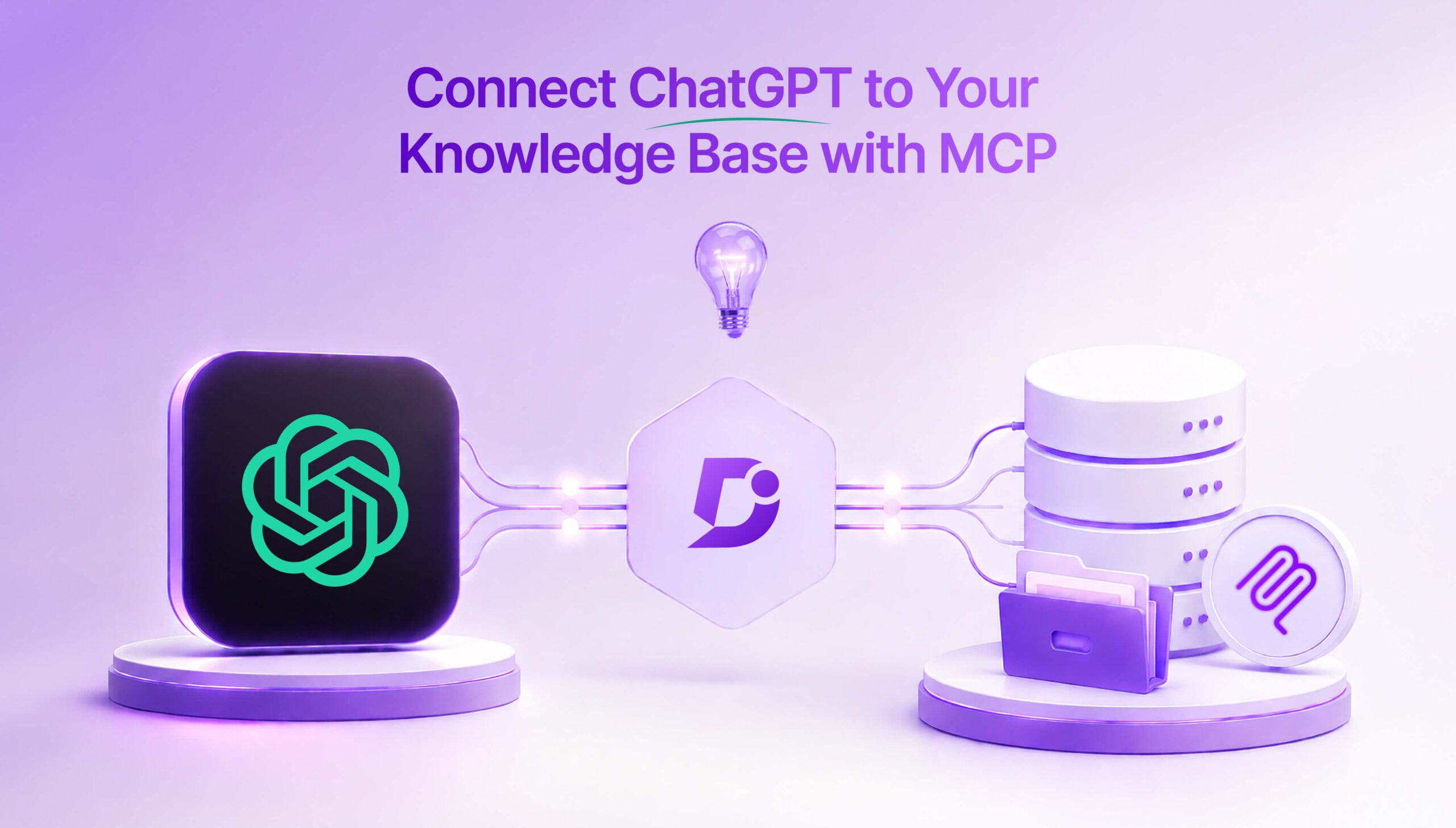
Get more out of ChatGPT with Model Context Protocol. Instead of spending time developing individual and custom connectors for every AI assistant, follow the MCP in a standardized way to create connections between AI assistants and your documentation.
Using a standard connector, you can get more out of your knowledge base alongside AI such as Claude or ChatGPT and drastically reduce development time. Instead of spending so much time on custom API connections, MCP allows you to join ChatGPT with your knowledge base and even execute actions using the connection.
Introduced by the company called Anthropic in November 2024, MCP acts like a USB-C connector for AI assistants like ChatGPT and empowers the system to perform all sorts of actions that render it more useful than a static tool. Such tools are usually limited to the data that has been input at the time of training.
What Is Model Context Protocol (MCP)?

Because ChatGPT is an LLM (Large Language Model), it needs assistance in connecting to your knowledge base, which would previously have been done through a custom API built especially for this purpose. With MCP (Model Context Protocol), Anthropic has built a standard adaptor for any AI assistant to connect with a system like a knowledge base that your organization might be using.
In this case, we are connecting ChatGPT with your knowledge base, which can now be accessed through MCP, rendering ChatGPT a much more useful assistant for your organization.
Instead of having to develop your own custom integrations, taking time and resources, MCP is a bridge between your knowledge base and ChatGPT and enables better workflows for your documentation.
Why Your Knowledge Base Needs an MCP Connection?
AI is nothing without data. And yet, traditional models are usually siloed, constrained by the data in their system during the time when they were trained. And many tools have been built on fragmented integrations. MCP is helping organizations by providing a single protocol for your AI tools, already ready and open-sourced by Anthropic.
Without MCP:
First, we’ll take a look at how your knowledge base’s AI assistant operates without an MCP connector in place.
- Cut off from internal or real-time data – AI assistants are only as powerful as the data on which they were trained and don’t have access to your knowledge base’s internal or real-time data. This means that your tool is not as intelligent as it could be since there is more data it could draw from.
- Reliant on human intervention (copy-paste workflows) – heavily reliant on copy-paste workflows, which limits the power of your AI assistant in relation to your knowledge base. ChatGPT lacks proper integration with your knowledge base, so you cannot automate important functions and must rely on manual interventions.
With MCP:
- Benefit from the most up-to-date knowledge – you are creating a far more viable knowledge source for ChatGPT to integrate with when using this platform to execute functions. ChatGPT has direct access to your company’s knowledge and can make up-to-date decisions in real-time.
- Context-aware and more effective responses – ChatGPT has far more context when communicating with your knowledge base using an MCP connector. MCP has been specially designed to work with ChatGPT (and others) to increase its power and improve the likelihood that the system can respond correctly.
- Execute core actions (create/update content) – MCP is extremely powerful when it comes to the ability to perform actions such as creating and editing content. MCP connectors provide communication pathways directly between your tools and allow ChatGPT to write directly to your knowledge base.
MCP vs APIs vs RAG: What’s the Difference?
When connecting ChatGPT to a knowledge base, organizations typically choose between APIs, Retrieval-Augmented Generation (RAG), or MCP. Each approach has different capabilities and trade-offs.
| Approach | Setup Effort | Real-Time Access | Can Perform Actions | Scalability |
| Custom APIs | High | Limited | Partial | Medium |
| RAG | Medium | Yes | No | High |
| MCP | Low | Yes | Yes | Very High |
APIs require significant development effort and ongoing maintenance. RAG improves retrieval but is limited to read-only interactions. MCP combines both advantages, enabling real-time access and allowing ChatGPT to execute actions like creating or updating content within your knowledge base.
Top Features of MCP Integration
Real-Time Knowledge
Access your knowledge base data in real-time, with a direct connection between the tools you have integrated using MCP.
- Semantic search across documentation – you can search semantically across your documentation so it’s not necessary to know the exact search terms to find what you’re looking for, because the system is aware of overall context, user intent and the underlying meaning.
- Access to full articles, categories, and metadata – all sorts of data are available, ranging from full articles to categories and other data contained within your knowledge base, so you can read how your articles are classified as well as the content.
Content Creation and Editing
Choose ChatGPT as your primary interface when creating new content within your knowledge base.
- ChatGPT provides direct access to the system – use its capabilities to quickly and easily generate content directly. Automatically make updates to your site while using the generative functions of AI.
- Update existing articles without impacting structure – make delicate changes to existing content without making any changes to how your knowledge base is structured so you can update while you work. Follow the architectural principles that were embedded in your knowledge base.
Structured and Context-Aware Responses
ChatGPT combined with your knowledge base results in better responses due to extra information and structure.
- Version-aware and language-aware outputs – ChatGPT has awareness of how your knowledge base represents various versions of your products and the type of language that you use to provide and describe solutions.
- Improved presentation and organization – improve your responses by implementing MCP with ChatGPT. Communications with users sound more like they come from your organization, with the sensitivity of ChatGPT coming into play and made possible by MCP.
Connect ChatGPT to your knowledge base with native MCP support using Document360 and automate smarter documentation workflows.
Book a Demo
Step-by-Step: Connect ChatGPT with MCP to Your Knowledge Base
Connecting ChatGPT with your knowledge base is usually as simple as clicking a few buttons. Configure your knowledge base with ChatGPT using JSON or a server URL that you can copy and paste one time to enable MCP within your platform.
Enable MCP in your knowledge base
- Turn on MCP in your knowledge base platform by enabling MCP in the relevant area. When this is turned on, your knowledge base will be able to connect to MCP and authenticate ChatGPT to communicate with your system.
Generate MCP configuration (JSON or server URL)
- There are two ways to configure MCP with ChatGPT, which can either be JSON or a URL, both of which work well with ChatGPT and mean you can securely set up your platform.
Set up ChatGPT
- Enable developer/advanced settings – you must turn this on in order to create a connection with MCP, and this will be disabled by default, so head over to your ChatGPT platform and enable it. It will be simple enough just to toggle this on.
- Create and configure MCP connector – you do this by opening up a new app and filling in all the fields that come up.
Authenticate and activate the connection
- Authenticate this new MCP connector within your knowledge base app by saying that you trust this new URL (just tick the box that appears).
Test with queries (search, retrieve, create content)
- Once configured, use your MCP connector to perform queries with the integrated system by trying out search, retrieve, or create content. Check that it actually works by executing as many test functions as you can.MCP handles the connection, but check if your docs are ready for AI agents so ChatGPT returns answers worth citing.
Real-World Use Cases of MCP
See yourself using MCP by learning about some concrete, role-specific mini-scenarios. Read on for MCP in action in a typical organization.
Support Teams
Helping customers solve problems is only possible with in-depth and accurate documentation. However, searching the knowledge base for adequate articles is time-consuming, and MCP integrations with ChatGPT help support teams retrieve content by different elements of the article and search across different product versions and languages. MCP also allows support engineers to create new articles directly from ChatGPT, thus enabling knowledge creation, resolving problems faster, and achieving higher knowledge quality.
Technical Writers
Technical writers are highly engaged in creating content for their organizations. This means researching is important when creating new content. They can use MCP integrations to find articles that are relevant to a particular search phrase, and they can also use AI prompts to help them when faced with a blank page. Improve productivity in their workflows and allow technical writers to engage in activities other than content.
Developers
Documentation is extremely important for developers and their operations, in which they typically use IDEs and AI-assisted tools. Accurate documentation is essential for developers working in high-pressure environments. MCP connections can allow development teams using AI-enabled tools to find targeted and version-aware information without the need to personally search the knowledge base. It’s possible to work faster using MCP integrations and even generate draft documentation for new endpoints or integrations.
Product Teams
Product management teams can find themselves with an increased need for documentation, and MCP will help these professionals to discover information that reflects the latest product changes. They can retrieve documentation by specific product version and compare how the business describes features across releases. Product teams are capable of developing far more in-depth products when they know they have a ChatGPT/MCP integration at their fingertips.
Customer Success Teams
Customer success teams need the most up-to-date knowledge in order to gain the most penetrating insight about the customers they are trying to retain. They may be using their own private knowledge base to record key principles and important customer data. In using MCP, customer success teams can build a shared overview of customers by optimizing their use of the knowledge base.
Internal IT/Operations Teams
Improve workflows with MCP to give access to important company documentation relating to your systems and operations. Provide real-time support for your stakeholders with ChatGPT connected directly to your company’s knowledge, with the assurance that data is always relevant and up-to-date to give insight into the latest system issues.
Conclusion
Document360 supports a straightforward integration with ChatGPT using MCP, which you can set up with very little effort. It truly is as simple as clicking a few buttons. Once you set up Document360 with ChatGPT, you can use this integration to read and write the knowledge base, taking advantage of clear and up-to-date information for your database and enhancing the capabilities of all your tools. Rather than working in siloes and copy-pasting important info, MCP works connectively to improve workflows and securely open up access to your company data.
Knowledge bases work best when they are integrated fully with ChatGPT and other tools you are working with. We are now entering a phase where it’s not so much about creating new technologies as it is about unlocking the potential of the ones we’ve already got.
Try out Document360’s MCP connector for ChatGPT and watch as your return on investment exceeds what you previously thought possible. By configuring once, testing fully and executing across your knowledge base, you’ll soon be populating and searching it with ease, with access to up-to-date data in real-time from ChatGPT.


