Powered by AI
Never let your software documentation fall behind again
Create evolving documentation with Document360 to boost user adoption by 60% and reduce support tickets by half. Turn complexity into clarity today.
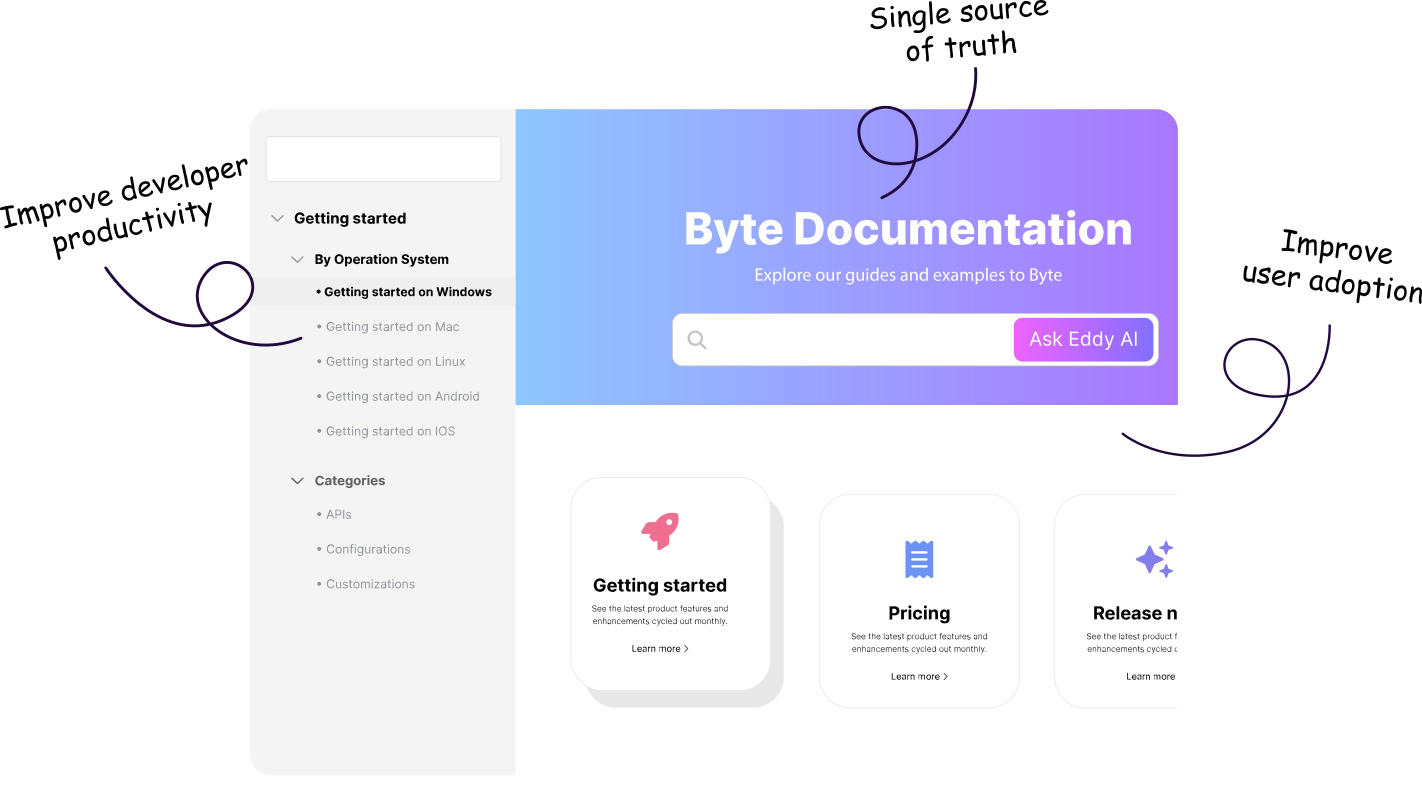
of users prefer accessing documentation before reaching out to support.
of developer time is wasted searching for outdated documentation.
of users say up-to-date software docs improve product adoption.
Trusted by software companies globally






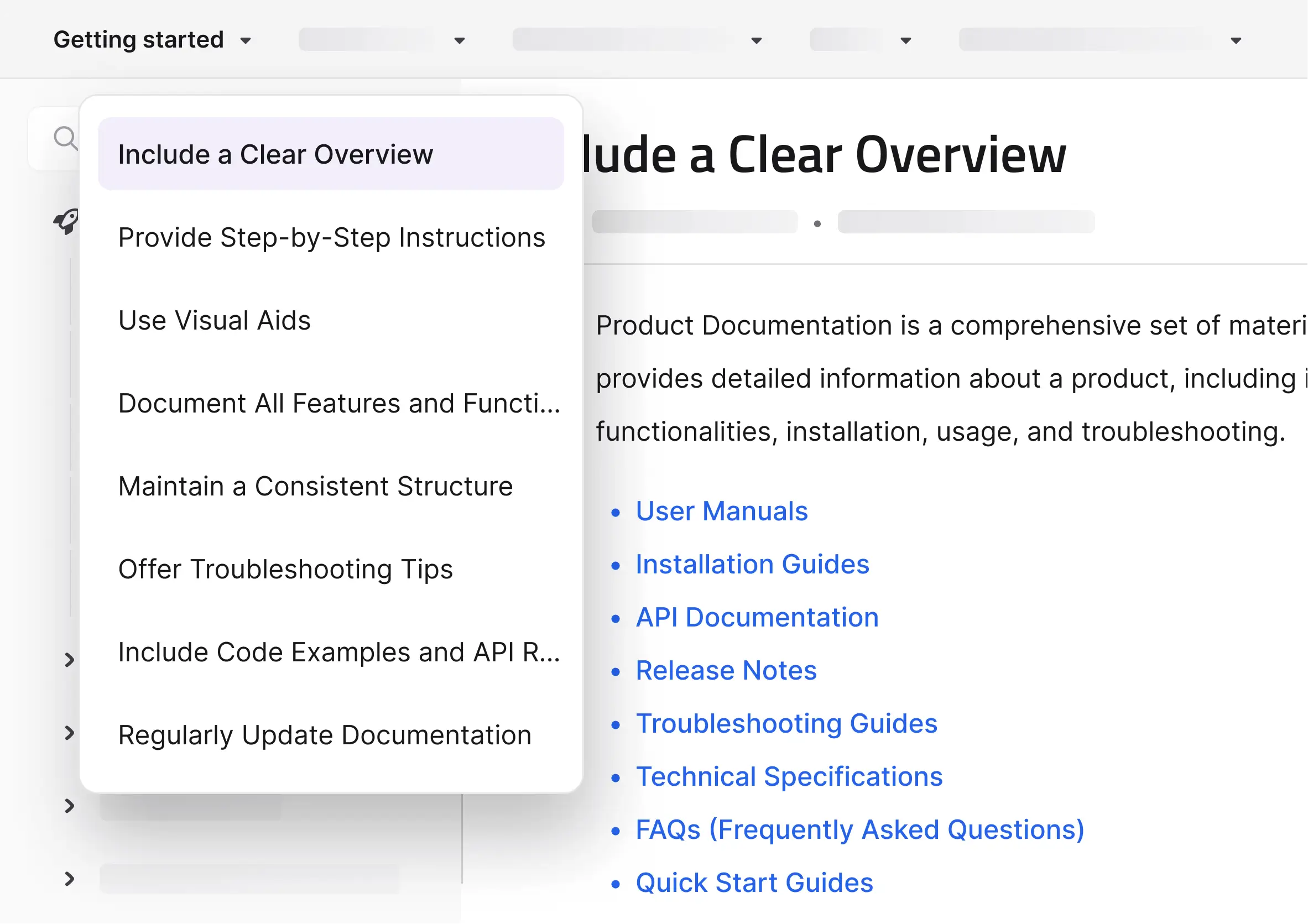

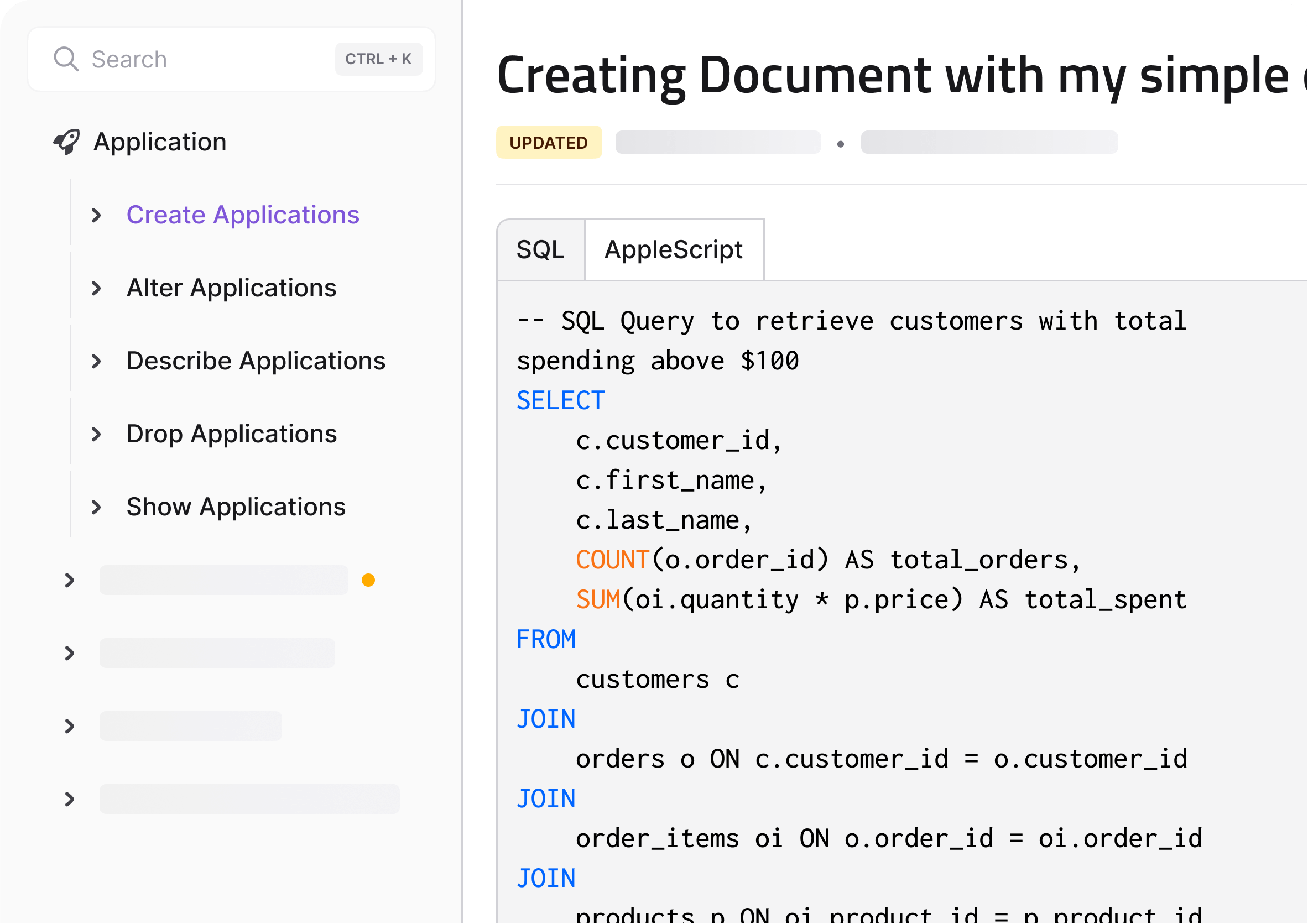




AI-powered
Documentation
ChatGPT style answers, instantly
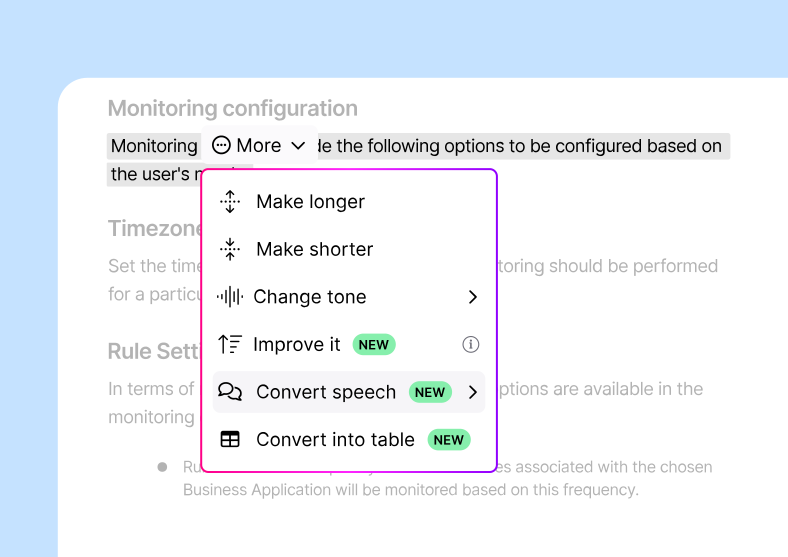
Write smarter with AI
utomatically generate, shorten, or expand your software documentation to ensure clarity and readability. Let AI enhance your content’s tone and structure, saving your team time and ensuring users have the best experience.
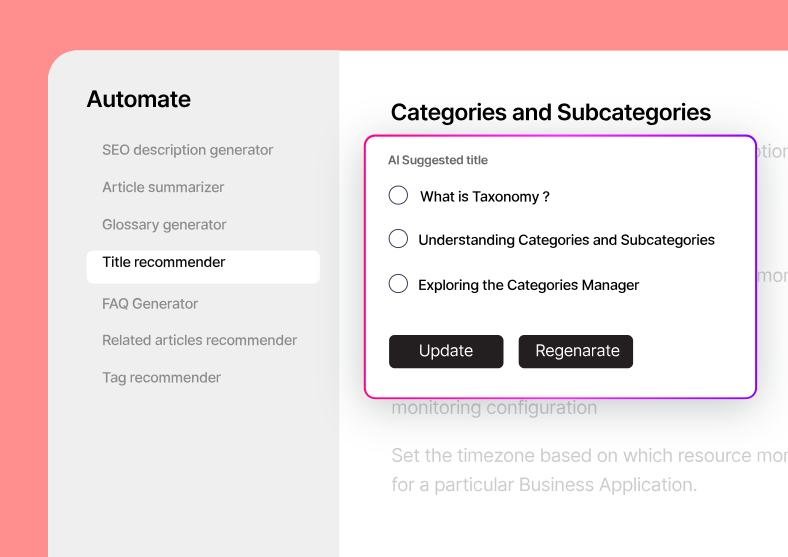
Automate content creation
Generate glossaries, article summaries, and titles in seconds with our AI-powered tools. Free up your team to focus on more critical tasks while maintaining comprehensive, accurate documentation.
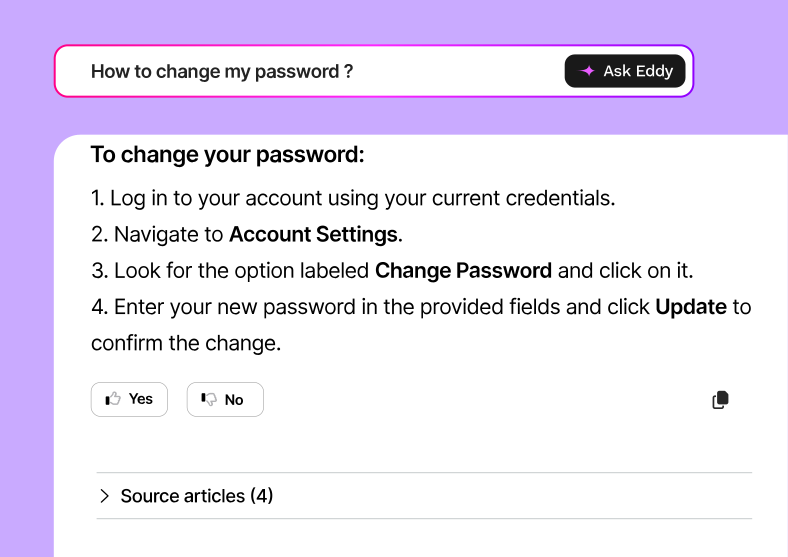
Instant answers with AI search
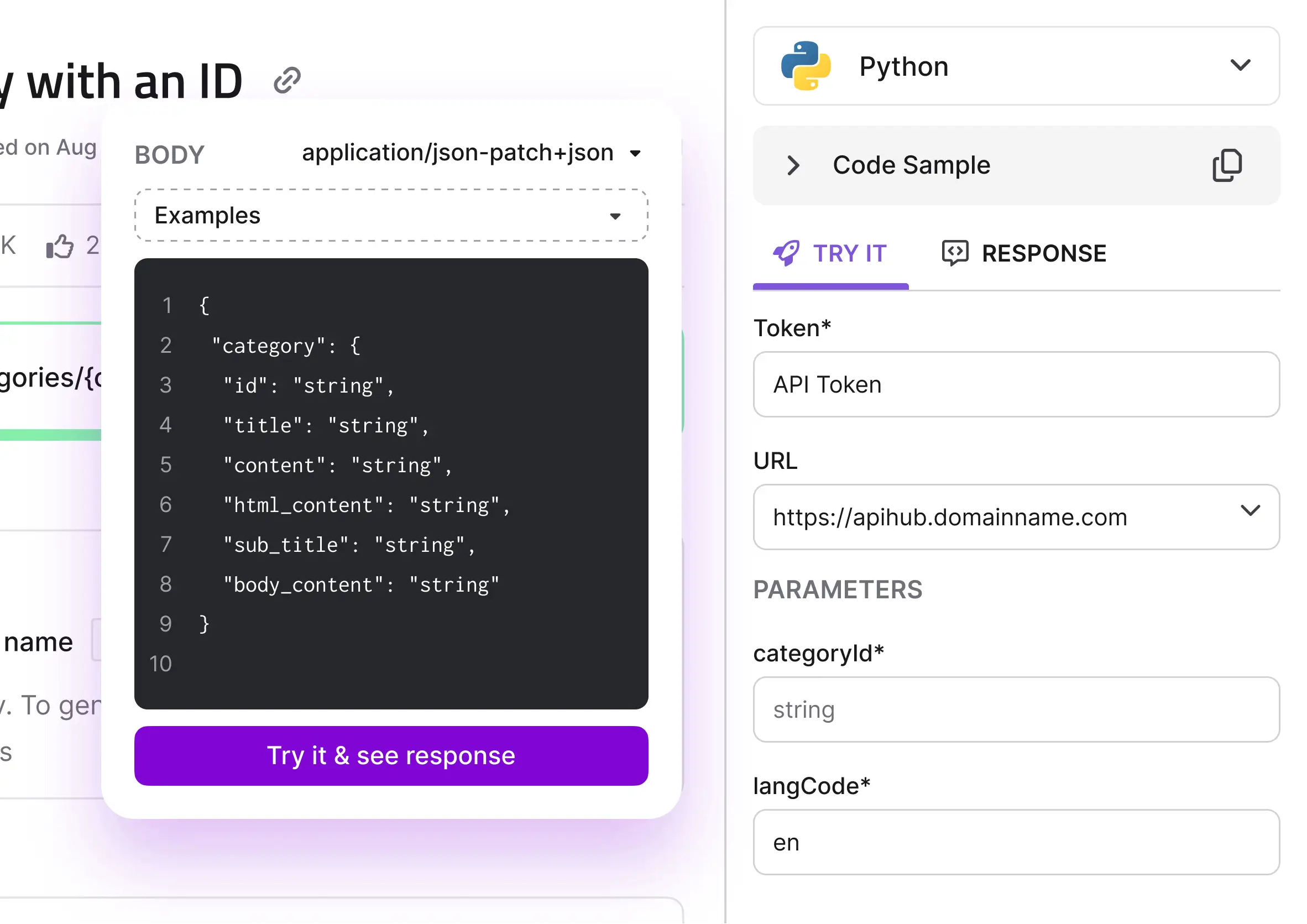
Improve user experience by providing precise, fast answers with our AI-powered search. Whether they’re searching for a code snippet, configuration guide, or troubleshooting tip, users can find what they need instantly.
Everything you need for seamless software documentation
Effortless markdown editing
Our powerful Markdown editor allows you to create and format your content with ease. Ensure consistency across your documentation with a syntax that developers love, and end-users understand.

Version control for accuracy
Keep your software documentation aligned with product updates. Manage multiple versions, track changes, and easily revert to earlier versions to maintain accuracy and continuity.

No code documentation with WYSIWYG
Create visually appealing, functional software documentation without coding. Use our WYSIWYG editor to format your content with drag-and-drop tools, rich text options, and real-time previews.

Integrate with your existing workflow
Seamlessly connect your documentation with your team’s existing tools, from development platforms to collaboration apps. Ensure your software docs stay aligned with your team’s daily operations.

Why Choose Document360?

Effortless,
user-friendly interface

Quick setup with
ready-made templates

Tailored to
fit your needs

Scalable for
growing demands
Frequently Asked Questions
-
What types of software documentation can I create with Document360?
With Document360, you can create various types of documentation, including API documentation, user guides, release notes, troubleshooting guides, and internal technical documentation. The platform is flexible and allows you to structure content based on your unique requirements.
-
Can non-technical teams use Document360 for documentation?
Absolutely! Document360 offers a WYSIWYG editor that allows non-technical users to create, edit, and format documentation without any coding knowledge. The platform is designed to be user-friendly, making it accessible for teams across the organization.
-
Is it possible to restrict access to certain documents?
Yes, with Document360 you can choose to keep certain documentation private for internal use or share it publicly with your users. You can also have a mix of both, allowing controlled access to sensitive documents while keeping general resources available for public access.
-
Can I customize the look and feel of my documentation?
Yes, Document360 offers extensive customization options, allowing you to add your own branding, CSS, and JavaScript to create a visually appealing, branded documentation experience. You can also customize the layout to fit your product’s needs.
Hear what users love about Document360


We are extremely happy with the solution. We have been getting feedback from both customers and employees on how much easier it is to use, how the search function works effectively, which makes finding information simple.
Yoni Hubermann | Director of Customer Education, Panaya


The ease and speed at which we were able to build a successful documentation site can be directly attributed to Document360. It allows users to find the information they’re looking for effortlessly.
Greg | Senior Software Engineer, Cosmos


Document360 provides us a way to create modern documentation, that’s appealing and easy to manage. More people have begun using our documentation than ever before.
Julian Weiss | Director of Product Documentation, CTERA


Document360 enables us to author and deliver high quality support articles with ease to the desired targeted roles in our system through the use of SSO, roles, and reader groups. Document360 not only delivers on the feature set, but provides a cost effective solution for us.
Todd Reisel | Founder & President, Coastal Business Technologies
Top choice on G2, Capterra, and beyond…